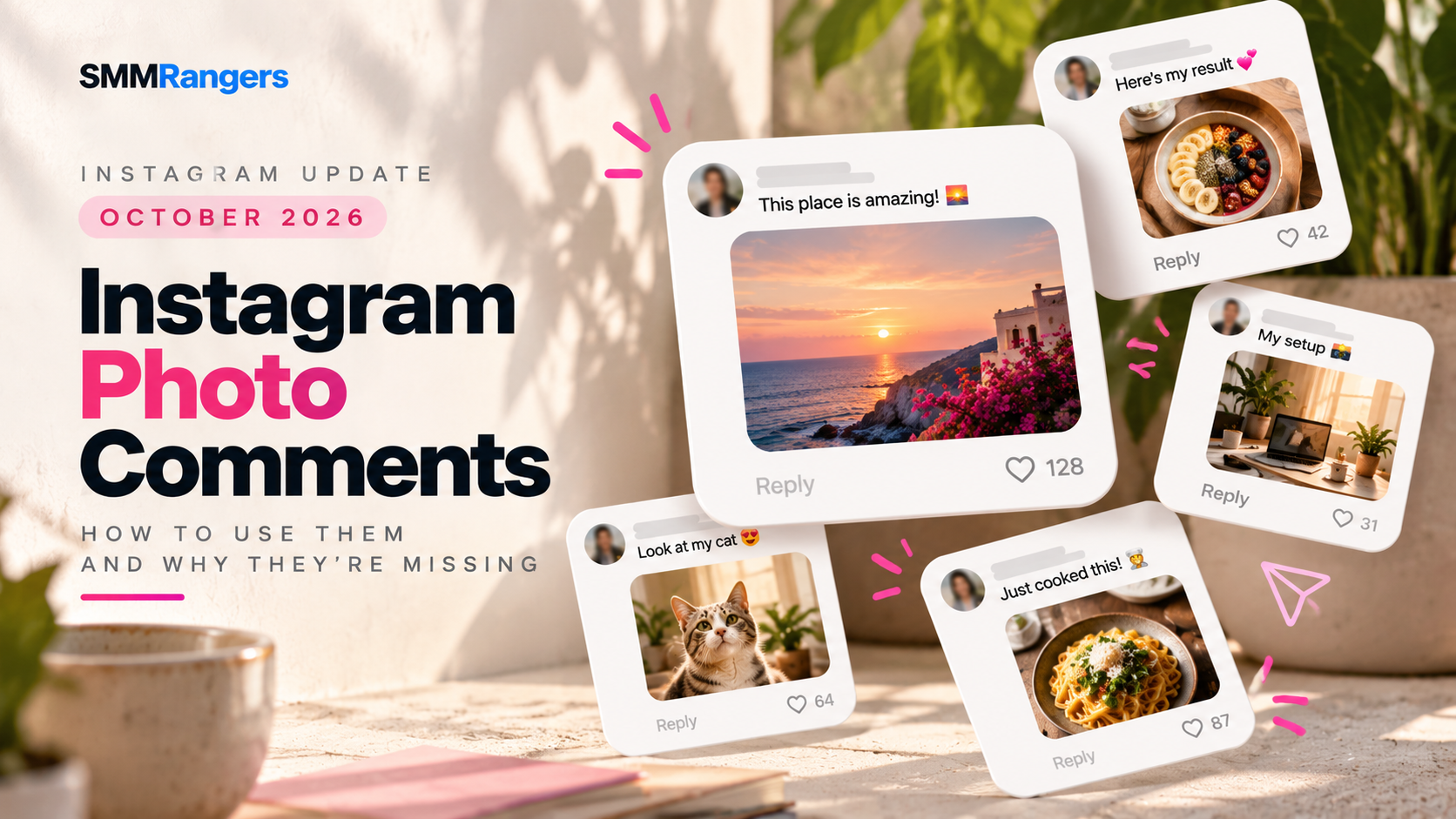
Instagram Photo Comments 2026: How to Use Them and Why They're Missing
Updated: October 21, 2026
Have you noticed people posting actual pictures in Instagram comment sections instead of just text, emojis, or GIFs?
Instagram photo comments are changing how people interact with posts and Reels. Instead of describing something in words, users can share a picture directly within a conversation.
But there's a catch: not everyone has access to the feature yet.
If you're wondering how to comment a picture on Instagram, why the photo icon is missing, or whether the feature works on Reels, this guide covers what you need to know in 2026.
What Are Instagram Photo Comments?
Instagram photo comments allow users to attach images from their device's gallery directly to comments under Instagram posts and Reels.
Previously, Instagram conversations mainly relied on text, emojis, and GIFs. With photo comments, users can respond using their own pictures.
For example, you might:
Share a picture of a product you purchased.
Respond to a funny Reel with a reaction image.
Show a before-and-after result.
Answer a question using a screenshot.
Share a photo of your pet in a relevant discussion.
Unlike GIFs, which typically come from a searchable animation library, photo comments let you choose an image from your own gallery.
The feature began appearing more widely during 2026, but availability continues to vary between accounts.
How to Comment a Picture on Instagram in 2026
If your account supports photo comments, the process is relatively simple.
Step 1: Open Instagram
Launch the Instagram app on your iPhone or Android device.
Make sure you're using an up-to-date version of the app.
Step 2: Find a post or Reel
Open the Instagram post or Reel where you want to leave a comment.
Tap the comment icon to open the conversation.
Step 3: Look for the photo icon
Check the area beside the comment field.
On supported accounts, a small photo or image icon appears.
The exact position may vary depending on your app version.
Step 4: Select your image
Tap the photo icon and choose an image from your gallery.
Instagram may request permission to access your photos if you haven't granted it already.
Step 5: Publish your comment
Review the image before submitting it.
If your version supports accompanying text, you may also be able to add a short caption.
Tap the available send or publish control to post your photo comment.
Quick tip: If you cannot find the photo icon, that does not necessarily mean you're doing anything wrong. The feature may not yet be enabled for your account.
Why Can't I Comment Pictures on Instagram?
This is one of the most common questions surrounding the feature.
There are several possible explanations.
1. Instagram hasn't enabled the feature for your account
Instagram often releases new features gradually rather than making them available to every user simultaneously.
That means your friend might have photo comments while your account still shows only text and GIF options.
Even two accounts on the same phone may have different features.
2. Your Instagram app needs updating
An older app version may not display newer interface features correctly.
Check the App Store or Google Play Store for an available Instagram update.
Updating is a reasonable troubleshooting step, although it does not guarantee that photo comments will appear.
3. Photo comments may be disabled on the post
Some creators may have controls that limit photo comments on their content.
If the photo option appears under one post but not another, the difference could be related to the account or post you're viewing.
4. Instagram may be testing different interfaces
Instagram frequently experiments with interface changes.
A feature can appear on one account and disappear from another without a public explanation.
Avoid assuming that every missing button is caused by an account restriction or penalty.
5. You're using Instagram on a desktop browser
Photo commenting has primarily been documented in Instagram's mobile apps.
If you're using Instagram through a computer browser, try checking the same post in the mobile app.
How to Fix Instagram Photo Comments Not Showing
If the option is missing, try the following steps.
First, update Instagram. Install the latest available version through your device's official app store.
Second, check multiple posts. Open different posts and Reels to see whether the image icon appears anywhere.
Third, compare accounts. If you manage more than one Instagram account, check whether the feature is available on another account using the same device.
Fourth, restart the app. Close Instagram completely and reopen it.
Fifth, report a problem if necessary. If you previously had the feature and it stopped working, use Instagram's in-app reporting option to describe the issue.
If none of these steps works, your account may simply be waiting for access.
There is no verified setting or trick that guarantees immediate access to Instagram photo comments.
Be cautious of third-party apps claiming they can unlock unreleased Instagram features.
Do Photo Comments Work on Instagram Reels?
Yes. Reports about the 2026 rollout describe photo comments appearing under both regular Instagram posts and Reels.
This creates new opportunities for visual conversations.
Imagine a cooking creator publishing a recipe Reel.
Instead of leaving a comment that says, "I tried this recipe," viewers could potentially share a picture of their finished dish.
A fitness creator might invite followers to share workout setups, while an artist could ask people to post pictures of their creations.
However, access can vary by account, so the photo icon may not appear beneath every Reel.
Instagram Photo Comments vs. GIF Comments: What's the Difference?
Although both make conversations more visual, they serve different purposes.
| Feature | Photo Comments | GIF Comments |
|---|---|---|
| Main content | Images from your device | Animated images from a GIF library |
| Personalization | Your own pictures and screenshots | Existing GIF reactions |
| Common uses | Product photos, examples, visual feedback | Humor, reactions, emotions |
| Availability | Still varies by account | More widely established |
| Best for | Sharing specific visual information | Expressing a quick reaction |
Photo comments are particularly useful when you want to show something that a GIF library cannot provide.
GIFs remain convenient for fast, expressive reactions.
Why Instagram Photo Comments Matter for Creators
For creators, comments are more than a number beneath a post.
They can reveal what an audience cares about, what questions people have, and how followers respond to content.
Photo comments introduce additional ways to participate.
More opportunities for visual conversations
A beauty creator could ask followers to share makeup looks inspired by a tutorial.
A travel creator might invite people to post pictures from the same destination.
An illustrator could ask followers to share their own versions of a drawing challenge.
These are examples of possible uses, not guaranteed ways to increase reach.
More useful audience feedback
Some feedback is easier to communicate visually.
A screenshot can explain a technical problem. A photograph can show how a product looks in real life.
That can make comment sections more useful for both creators and their audiences.
More user-generated content
User-generated content, or UGC, refers to material created by customers or community members rather than the brand itself.
Photo comments can make it easier for people to share relevant experiences without publishing an entirely separate post.
For brands, this may create opportunities to learn from customers and highlight authentic experiences—with appropriate permission.
What Does This Mean for Instagram Businesses and Brands?
Businesses should consider both the opportunities and the risks.
A clothing store might receive pictures from customers wearing its products.
A home decor brand might see photos showing how customers use its products in their homes.
A restaurant might receive images from visitors sharing their meals.
These interactions can help businesses understand their communities.
However, allowing image uploads in public comment sections also introduces moderation challenges.
Why moderation becomes more complicated
Traditional keyword filters are designed to identify words and phrases.
They cannot be assumed to detect problematic content contained entirely inside an image.
Photo comments could contain unwanted advertising, misleading screenshots, private information, or inappropriate imagery.
Businesses should therefore review their comment moderation processes and use the controls available in their Instagram accounts.
A practical approach includes:
Checking active comment sections regularly.
Reviewing suspicious or inappropriate images.
Reporting comments that violate platform rules.
Restricting or blocking abusive accounts when necessary.
Avoiding public reposts of customer images without permission.
Photo comments can make conversations richer, but they also require responsible community management.
Will Photo Comments Improve Instagram Engagement?
Photo comments provide another way for users to participate, but there is currently no reliable basis for claiming that they automatically increase reach.
Instagram's recommendation systems consider multiple factors, and the availability of a new comment format does not establish a specific ranking advantage.
A post with meaningful visual discussion may be valuable to its community.
However, businesses should not assume that one photo comment carries a particular algorithmic weight or guarantees additional impressions.
Focus on whether the interaction is relevant, useful, and authentic.
Instagram Custom Comments and SMMRangers: What Should You Know?
For businesses and creators comparing social media marketing services, it is important to distinguish different types of Instagram engagement.
Regular text comments and photo comments are different formats.
SMMRangers provides Instagram-related service categories, including Custom Comments, where the supported comment format and service conditions depend on the individual service description.
A standard custom-comment service should not be assumed to support photo uploads.
Before selecting any service, review its requirements, limitations, and delivery conditions.
It is also important to remember that purchased or coordinated engagement does not guarantee authentic audience interest or improved organic ranking, and may carry platform-policy risks.
For long-term community development, useful content and genuine conversations remain essential.
Frequently Asked Questions About Instagram Photo Comments
Can you post pictures in Instagram comments in 2026?
Yes, photo commenting has been reported on supported Instagram accounts. However, the feature is not necessarily available to every user.
Why don't I have the photo comment option on Instagram?
Your account may not have received the feature, your app may need updating, or photo comments may be unavailable on the post you're viewing.
Can I comment a photo on Instagram Reels?
Yes, the feature has been reported under both posts and Reels, although availability varies.
Are Instagram photo comments available on Android and iPhone?
The feature has been reported on both iOS and Android. Having a supported device does not guarantee that your account has received it.
Can I use Instagram photo comments on my computer?
The feature is primarily documented in the mobile apps. If the option is missing on desktop, try Instagram on your phone.
Are photo comments the same as GIF comments?
No. Photo comments use images from your own device, while GIF comments generally use an existing animation library.
Can I turn off photo comments on my Instagram posts?
Some accounts have reported a dedicated photo-comment control in Instagram's comment settings. Availability may vary. If your account does not offer that control, review the comment-management options currently available to you.
Will photo comments help my Reels go viral?
There is no verified evidence that photo comments automatically make Reels go viral. Their value depends on the quality and relevance of the interaction.
Final Thoughts
Instagram photo comments are a small interface change with potentially meaningful consequences for online conversations.
For everyday users, they make it easier to communicate through pictures.
For creators, they introduce new ways to invite audience participation.
For businesses, they create opportunities for visual feedback and user-generated content while making moderation more important.
If the photo icon is missing from your account, keep your app updated and check again later. Instagram's phased rollout means availability can differ between users.
And whether you're growing a personal profile, managing a brand, or working with social media marketing services, remember that meaningful engagement matters more than simply collecting interaction counts.
Explore more practical Instagram guides and social media marketing resources at SMMRangers.