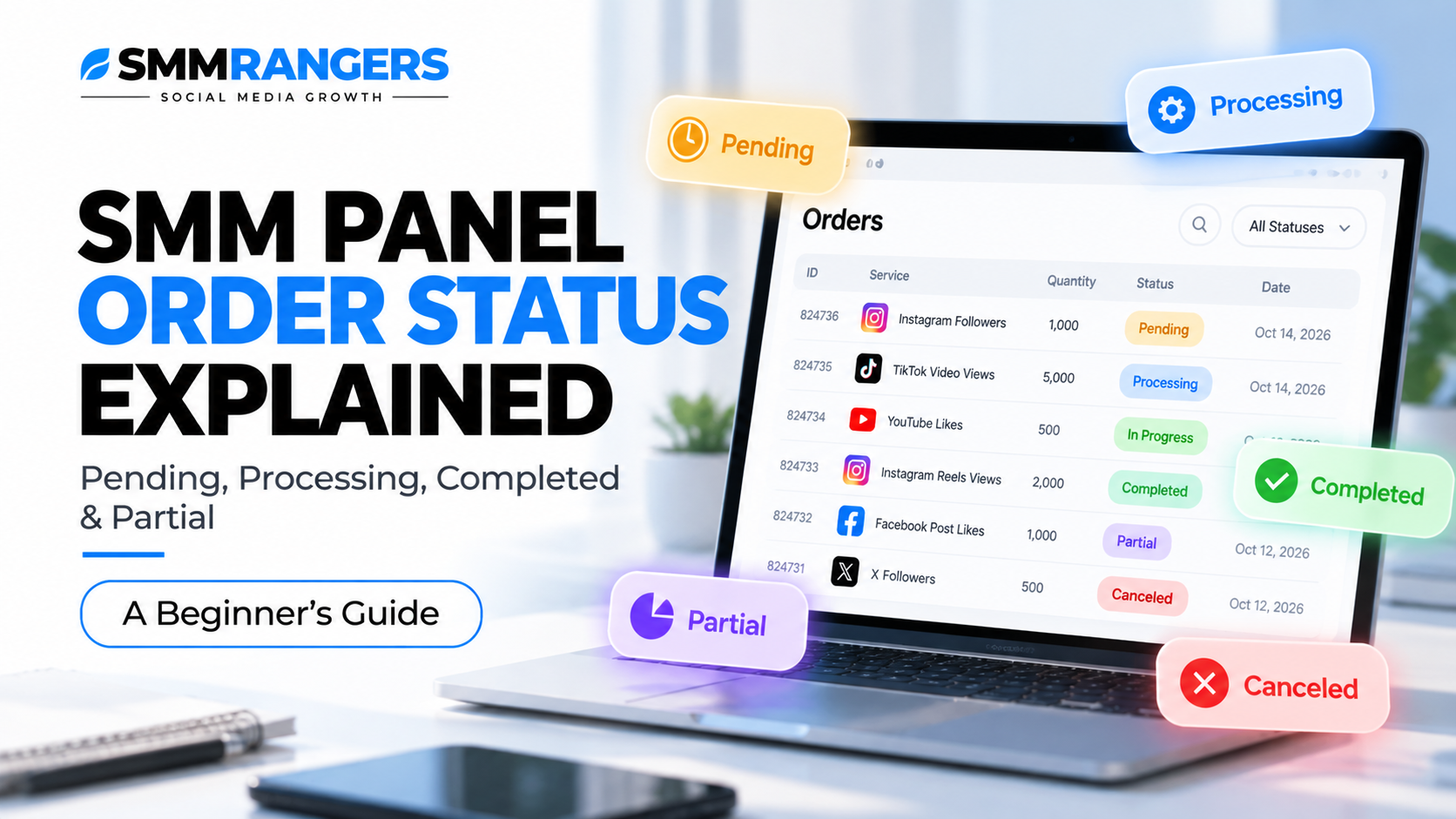
SMM Panel Order Status Explained: Pending, Processing, Completed & Partial
Beginner's Guide | Updated October 2026
You've placed your first SMM panel order. Now you're checking your dashboard and wondering what happens next.
Your order might say Pending, Processing, or In Progress. Later, it could change to Completed, Partial, or Canceled.
But what do these statuses actually mean?
And when should you contact support?
In this guide, we'll explain common SMM panel order statuses, what you can reasonably expect from each one, and how to handle an order that appears delayed or incomplete.
If you haven't placed an order before, start with our beginner's guide: How to Place Your First SMM Panel Order: A Step-by-Step Beginner's Guide.
What Is an SMM Panel Order Status?
An SMM panel order status is a label showing the current stage of an order.
It helps customers understand whether an order is waiting, being processed, marked as delivered, or closed for another reason.
Most SMM panels display this information in an order history or order tracking section.
Depending on the panel and service provider, you may also see information such as:
Order ID
Service name or ID
Order quantity
Start count
Remaining quantity
Charge
Order status
Not every service displays all these fields, and their meaning can vary by provider.
SMM Panel Order Statuses at a Glance
| Status | What It Usually Means | What You Should Do |
|---|---|---|
| Pending | The order is waiting to be processed | Check the expected start time |
| Processing | The order is being handled by the system or provider | Monitor the order |
| In Progress | Delivery activity is underway | Check progress against the service description |
| Completed | The system has marked the order as fulfilled | Verify the result |
| Partial | The order was only partly fulfilled or settled | Review the delivered quantity and charge |
| Canceled | The order was canceled | Check any applicable balance adjustment |
| Failed | The system could not process the order | Review the error and contact support if necessary |
These are general explanations. The exact behavior depends on the panel and individual service.
1. Pending: Why Hasn't My Order Started?
Pending usually means your order has been received but has not yet moved into active processing.
For a new customer, this can feel frustrating, especially when the service description mentions a fast start.
However, a Pending status does not automatically mean something is wrong.
Possible reasons include:
The order is waiting in a processing queue.
The provider has not started handling the request.
The service is experiencing temporary delays.
The submitted link or order details require validation.
How long can an order stay Pending?
There is no universal answer.
Some services advertise quick starts, while others have longer estimated start times.
Always compare the waiting period with the conditions displayed for the specific service.
Beginner tip: Avoid submitting a second order for the same destination simply because the first order is still Pending. Overlapping orders can make delivery and tracking more complicated.
When should you contact support?
If the order remains Pending significantly longer than the advertised start time, contact support with your order ID.
2. Processing: Is My Order Actually Working?
Processing generally means the order is being handled by the panel or its service provider.
But here's an important distinction:
Processing does not necessarily mean visible delivery has started.
An order can be in Processing while the provider prepares or validates it.
This is why you might see a Processing status even when your social media count has not changed.
Why is my SMM panel order stuck on Processing?
Several situations can cause delays:
Temporary provider congestion
Service interruptions
Platform-related changes
Link validation issues
Delays in updating the order status
The status alone cannot tell you which explanation applies.
If your order remains in Processing beyond the stated service expectations, ask support to review it.
Should I cancel a Processing order?
Not automatically.
Some services support cancellation, while others do not. Cancellation may also become unavailable once processing has begun.
Check the service conditions and any available cancellation options before taking action.
3. In Progress: What Happens During Delivery?
In Progress generally indicates that the order has entered an active delivery stage.
For services that deliver quantities over time, the visible count may increase gradually.
For example, a hypothetical order of 1,000 units could be delivered in several stages rather than all at once.
The exact pattern depends on the service.
What does delivery speed mean?
A service description might advertise a rate such as 1,000 per day.
This generally describes an estimated delivery rate, not necessarily a guarantee that exactly 1,000 units will arrive every 24 hours.
Delivery speed may vary, and some services can slow down or stop unexpectedly.
Do not assume that every service follows a fixed delivery schedule.
4. Completed: Does This Mean My Order Is Perfect?
When an order shows Completed, the panel's system has marked it as fulfilled.
However, that does not necessarily mean the result will remain unchanged.
There are two important things to check.
Check the delivered quantity
Compare the order details with the visible result, where that comparison is possible.
Remember that platforms may display rounded, delayed, or differently defined metrics.
Check for later changes
Some visible counts may decrease after delivery.
This is commonly referred to as a drop.
A Completed status does not guarantee that a count will never decrease.
What if my order says Completed but the count looks wrong?
First, review the start count and ordered quantity.
Then check whether the platform's displayed count has updated.
If there is a significant discrepancy, contact support with the order ID and relevant details.
Avoid assuming that every discrepancy is caused by the same issue.
5. Partial: What Does a Partial Order Mean?
A Partial status generally indicates that an order was not fully delivered and has been settled for a smaller quantity.
For example, imagine you ordered 1,000 units but the provider delivered only 600.
The undelivered portion would be 400 units.
Depending on the panel's terms, the undelivered portion may be credited back to the account balance.
This example is illustrative; actual partial-order calculations depend on the service and platform.
Does Partial mean I get a refund?
Not necessarily a refund to your original payment method.
Some panels use account-balance adjustments or credits instead.
Check the order details and the applicable refund policy.
6. Canceled: What Happens When an Order Is Canceled?
A Canceled status means the order has been closed without continuing the original request.
Possible reasons include:
The customer requested cancellation and the request was accepted.
The destination link was invalid.
The provider could not process the order.
The service became unavailable.
The order did not meet service requirements.
Cancellation eligibility depends on the individual service and its processing stage.
Will the money return to my balance?
That depends on the circumstances and the panel's terms.
Review the transaction history and any balance adjustment.
If the expected adjustment is missing, contact support.
7. Failed: Why Was My Order Rejected?
A Failed status generally indicates that the order could not be processed successfully.
This may happen because of a technical issue, invalid input, service unavailability, or another provider-side problem.
A Failed status does not identify the exact cause on its own.
If an error message appears, keep a record of it.
Support may need both the order ID and the error details to investigate.
What Is the Difference Between Processing and In Progress?
These two statuses are easy to confuse.
Processing typically means the system or provider is handling the order.
In Progress generally indicates that delivery is underway.
However, some panels do not distinguish between these stages in exactly the same way.
The best way to assess an order is to review its status together with the service's advertised start time, speed, and any available progress information.
What Is Start Count?
Start count is a value recorded around the beginning of an order.
For example:
Start count: 250
Order quantity: 500
If the metric is directly additive and no other changes occur, the expected total could be approximately 750.
However, this simplified calculation does not account for platform filtering, other orders, unrelated activity, drops, or differences in measurement.
Start count is a tracking reference, not a guarantee of the final visible count.
What Does Remains Mean?
Some SMM panels display a field called Remains.
This generally refers to the portion of the ordered quantity that the system considers undelivered.
For example:
Ordered: 1,000
Remains: 300
This may indicate that the system has recorded 700 units as delivered.
But the exact calculation depends on the service and system.
If the remains value looks incorrect, ask support to review the order rather than assuming the displayed number is definitive.
What Should You Do If Your SMM Panel Order Is Stuck?
If an order appears delayed, follow these steps.
Step 1: Check the service description
Review the advertised start time, speed, and any special conditions.
Step 2: Check the order status
Look for a recent status change or updated delivery information.
Step 3: Verify the destination link
Confirm that the submitted content is still accessible and matches the service requirements.
Step 4: Avoid duplicate orders
Do not repeatedly submit orders to the same destination while the original order is unresolved.
Step 5: Contact support when appropriate
If the order is significantly outside the expected timeframe, send a clear support request.
Include the order ID, service ID, and a short explanation.
How to Contact SMMRangers Support About an Order
If you're using SMMRangers, start by checking your order history and the support options available in your account.
A useful support message could look like this:
Subject: Order Status Check
Hello, could you please check order #123456?
The order has been showing Processing longer than the expected start time, and I haven't noticed any delivery yet.
Thank you.
Replace the example order ID with your actual number.
Clear information helps the support team identify the order and investigate the issue.
Frequently Asked Questions
Why is my SMM panel order still Pending?
It may be waiting in a queue or for provider processing. Check the service's estimated start time before contacting support.
Does Processing mean my order has started?
Not always. Processing can indicate that the system is handling the order before visible delivery begins.
Can a Completed order lose followers or likes?
Yes. Visible counts may decrease after delivery. Whether the order qualifies for a refill depends on the service conditions.
What happens if my order is Partial?
The panel may settle the order for the delivered quantity and adjust the remaining charge according to its terms.
Can I cancel an order that is In Progress?
Only if the service and its current status permit cancellation.
Should I place another order if the first one is stuck?
Usually, it's better to investigate the existing order first. Duplicate orders can complicate tracking.
Does every SMM panel use the same statuses?
No. Status names and definitions can vary across panels and service providers.
Final Thoughts
Understanding SMM panel order statuses can make your first experience much less confusing.
Pending, Processing, In Progress, Completed, Partial, and Canceled each describe a different stage or outcome.
The most important thing is to compare the status with the specific service conditions rather than assuming every order behaves the same way.
If you're new to SMM panels, take time to understand the ordering process, delivery limitations, and support procedures before making a purchase.
You can explore available services and their current conditions at SMMRangers.
Continue learning: Read our guide, How to Place Your First SMM Panel Order: A Step-by-Step Beginner's Guide, for an introduction to choosing services, entering links, and reviewing order details.
Note: Status descriptions are general. Exact meanings, delivery conditions, refund eligibility, and cancellation rules depend on the panel and selected service.