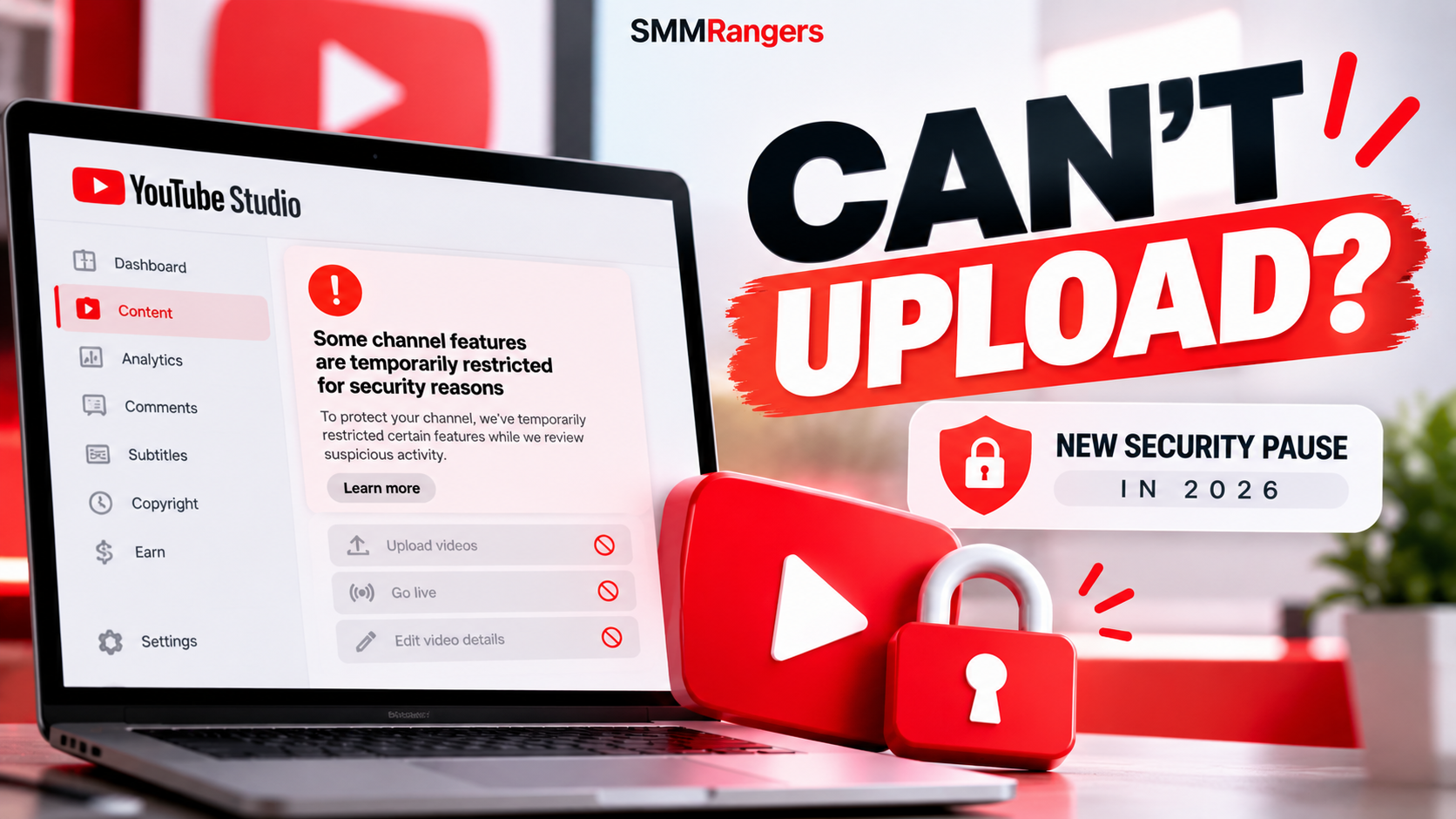
YouTube Won't Let Me Upload Videos? New Security Pause Explained (2026)
Updated: October 26, 2026
You open YouTube Studio, prepare your next video, and suddenly discover that you can't upload it.
Maybe your livestream option is unavailable. Perhaps you can't change a video from private to public, or YouTube says some channel features have been temporarily restricted.
Does this mean your YouTube channel has been banned or hacked?
Not necessarily.
On October 21, 2026, YouTube announced a new security feature that can temporarily pause certain channel actions when its systems detect unusual or potentially unauthorized activity.
The feature is designed to protect creators from account hijacking while YouTube investigates suspicious behavior.
But what exactly triggers it, how long does it last, and what should you do if your channel is affected?
Here's what YouTube creators need to know.
What Is YouTube's New Security Pause?
YouTube's temporary feature pause is an account protection measure.
When YouTube detects unusual activity that might indicate unauthorized access, it may temporarily restrict certain channel management features.
The goal is to prevent someone who may have gained access to your account from uploading harmful content, starting fraudulent livestreams, or changing important channel settings.
During the pause, YouTube's security team reviews the channel.
If the investigation finds no evidence of unauthorized access, YouTube restores the affected features.
If a security problem is confirmed, the platform provides recovery instructions.
A temporary security pause is not automatically a Community Guidelines strike, copyright penalty, or channel termination.
What YouTube Features Can Be Temporarily Restricted?
According to YouTube's October 2026 announcement, the security pause can prevent several actions.
| Channel feature | During a security pause |
|---|---|
| Uploading videos | Temporarily unavailable |
| Uploading Shorts | Temporarily unavailable |
| Updating videos | Temporarily unavailable |
| Starting livestreams | Temporarily unavailable |
| Creating or adding videos to playlists | Temporarily unavailable |
| Uploading custom thumbnails | Temporarily unavailable |
| Changing videos from private to public | Temporarily unavailable |
| Changing videos from private to unlisted | Temporarily unavailable |
These restrictions help stop unauthorized users from making additional changes while the channel is under review.
The restrictions apply even if the legitimate channel owner is trying to perform those actions.
That can be frustrating, but the purpose is to prevent further damage during a possible account takeover.
Why Is YouTube Temporarily Restricting My Channel?
The new security pause is triggered when YouTube detects activity it considers unusual or potentially unauthorized.
YouTube hasn't published a complete list of the signals used to trigger these reviews.
That means we shouldn't assume a specific action automatically causes a security pause.
For example, a sudden increase in views, signing in from a different device, or using a third-party marketing service should not automatically be described as confirmed triggers.
YouTube's announcement focuses on preventing account hijacking and unauthorized channel activity.
If you see a security pause notification, check the information YouTube provides rather than guessing about the cause.
How to Check If Your YouTube Channel Has a Security Pause
If your channel suddenly loses access to certain features, start with YouTube Studio.
Step 1: Open YouTube Studio
Visit studio.youtube.com and sign in to your channel.
Step 2: Look for a security notification
YouTube says affected creators will see a banner explaining that their channel has been temporarily restricted for security reasons.
Step 3: Read the details
The notification may include:
An explanation of the security concern
An estimated review time
Information about restricted features
Instructions for securing your account
Steps to review unauthorized changes
Step 4: Check your email
Review the inbox associated with your channel's Google Account.
Look for official messages about the security review or account recovery.
Avoid clicking suspicious links in emails claiming to be from YouTube.
When in doubt, open YouTube Studio directly rather than following an unfamiliar link.
How to Fix a YouTube Channel Security Pause
If YouTube has temporarily paused your channel for a security investigation, the correct next step depends on the outcome.
Situation 1: YouTube is still reviewing your account
YouTube says security investigations are typically completed within 24 hours.
During this period:
Read the YouTube Studio notification.
Check your channel owner's email for updates.
Follow any official instructions shown.
Avoid making unnecessary changes through unfamiliar third-party tools.
Wait for the security review to finish.
YouTube's guidance says you don't need to take immediate action while the initial investigation is in progress unless you're instructed otherwise.
Situation 2: YouTube confirms your account is secure
If the review finds no evidence of unauthorized access, YouTube says it lifts the security restrictions immediately.
You should regain access to the affected features.
Situation 3: YouTube confirms unauthorized access
If YouTube determines that your account was compromised, the restrictions may remain until you complete the required recovery steps.
Follow the instructions provided through official YouTube and Google account recovery channels.
You may need to secure your Google Account, review account access, and address unauthorized channel changes.
Don't pay anyone who promises to remove the restriction through an unofficial service.
How Long Does a YouTube Security Pause Last?
YouTube says its security teams typically complete the investigation within 24 hours.
However, that isn't a guaranteed maximum duration.
If no unauthorized activity is found, the restrictions are lifted after the review.
If a channel has been compromised, restoring access may take longer because the account owner must complete the appropriate recovery process.
What if my channel is still restricted after 24 hours?
First, check YouTube Studio and your channel owner's email for updates.
If YouTube has provided recovery instructions, follow them.
If you believe your channel was hacked, use YouTube's official hacked-channel recovery resources.
Avoid repeatedly attempting unsupported workarounds or creating a new channel to bypass an unrelated platform restriction.
Does a Security Pause Affect YouTube Monetization?
YouTube's official announcement says the temporary security pause does not change the channel's monetization status.
That's important for creators who participate in the YouTube Partner Program.
However, there is a distinction between monetization status and actual earnings.
YouTube's detailed help guidance also notes that it may temporarily set some recent videos to private during a security review.
If a video is private, viewers generally cannot watch it publicly, which may affect the views and revenue that video would otherwise receive during that period.
So while the security pause itself isn't described as a monetization penalty, creators shouldn't assume every video will remain publicly available or that earnings will be completely unaffected.
Can People Still Watch My YouTube Videos During the Pause?
Generally, yes.
YouTube says viewers can continue watching and interacting with existing channel content during a temporary security pause.
However, some recent videos may be changed to private as an additional protective measure.
This means your channel isn't necessarily removed from YouTube, but the visibility of certain videos may temporarily change.
If you notice that a video has unexpectedly become private, check YouTube Studio and your email for security notifications.
Why Did YouTube Change My Video to Private?
YouTube may change a video's visibility when it suspects the video was uploaded by someone who gained unauthorized access to the channel.
If this happens, YouTube says it will notify the channel owner by email.
It may also sign the account out as an additional security precaution.
If you recognize the video and believe it follows YouTube's rules, review the relevant visibility options after any security restrictions are lifted.
If you don't recognize the video, treat that as a possible account security warning.
Review your Google Account security and check for other unauthorized channel changes.
Is a Security Pause the Same as a YouTube Strike?
No.
These are different types of restrictions.
Security pause: Intended to protect a channel while YouTube investigates potentially unauthorized activity.
Community Guidelines strike: Related to violations of YouTube's content rules.
Copyright strike: Related to copyright removal requests and YouTube's copyright enforcement process.
Livestream restriction: May result from different eligibility, policy, or account limitations.
Feature eligibility restriction: Certain features may require additional verification or an established channel history.
If YouTube won't let you upload, don't assume the new security pause is the reason.
The correct diagnosis depends on the notification and account status shown in YouTube Studio.
Other Reasons YouTube Might Not Let You Upload Videos
Not every upload problem is caused by a security review.
Consider these possibilities.
1. Internet connection problems
An unstable connection can interrupt uploads or prevent processing from completing.
Try checking your network connection and uploading again.
2. Unsupported or problematic video files
Certain file formats, encoding problems, or damaged files can cause upload failures.
Check YouTube's supported upload formats.
3. Channel verification requirements
Some features require phone verification, advanced feature eligibility, or additional account verification.
Review your channel's feature eligibility settings.
4. Account or policy restrictions
Community Guidelines violations and other restrictions can affect channel features.
Check for official policy notices.
5. Temporary platform problems
YouTube Studio or upload processing can occasionally experience technical problems.
If there's no security notification, check YouTube's official support channels for known issues.
The key takeaway: A failed upload alone doesn't prove that your account was hacked.
How to Protect Your YouTube Channel From Hackers
YouTube recommends several security practices to reduce the risk of account hijacking.
Enable two-step verification
Protect your Google Account with two-step verification.
Where available, consider using a passkey or security key for stronger phishing protection.
Review your account recovery information
Make sure your recovery email and phone number are current.
These details can help you regain access if your account is compromised.
Be careful with sponsorship emails
Creators may receive fake brand collaboration offers containing malicious attachments or links.
Don't open unexpected executable files or install unfamiliar software because someone claims to represent a brand.
Check channel permissions
If you work with an editor, agency, or manager, review who has access to your YouTube channel.
Remove permissions that are no longer needed.
Avoid sharing your Google password
Use official channel permissions when working with trusted collaborators.
A legitimate service provider generally doesn't need your Google Account password to deliver ordinary marketing services.
Keep devices secure
Update your operating system, browser, and security software.
Scan for malware if you suspect a device has been compromised.
What Does This Mean for YouTube Creators and SMM Panel Users?
The new feature matters to creators, agencies, and businesses managing YouTube channels.
It also highlights the importance of distinguishing platform security restrictions from third-party service delivery issues.
For example, imagine a creator purchases a YouTube marketing service and later discovers that their channel cannot upload a new video.
It would be incorrect to immediately conclude that the marketing service caused the restriction.
It would also be incorrect to guarantee that the two events are unrelated without investigating.
The right approach is to check YouTube Studio, review official security notices, and identify the actual restriction.
SMMRangers provides YouTube-related social media marketing services, including views, subscribers, and watch-time categories.
These services do not remove YouTube security restrictions, unlock suspended channel features, or replace official account recovery procedures.
For customers and resellers, accurate diagnosis helps avoid unnecessary support requests and misleading expectations.
Frequently Asked Questions
Why won't YouTube let me upload videos in 2026?
Possible reasons include account security reviews, policy restrictions, feature eligibility requirements, file problems, or technical issues. Check YouTube Studio for the specific cause.
What is YouTube's temporary security pause?
It's a protective measure that restricts certain channel features when YouTube detects potentially unauthorized activity.
Does a YouTube security pause mean my channel was hacked?
Not necessarily. The pause can begin while YouTube investigates suspicious activity. A confirmed account compromise is a separate outcome.
How long does a YouTube security pause take?
YouTube says reviews are typically completed within 24 hours, although some cases may take longer.
Can I upload Shorts during a security pause?
No. Uploading or updating videos and Shorts is among the features YouTube may temporarily disable.
Can I livestream during a YouTube security pause?
No. Starting new livestreams is one of the restricted actions.
Will YouTube delete my channel during a security pause?
The pause itself is a protective restriction, not an automatic channel deletion or termination.
Will my YouTube monetization be removed?
YouTube says the pause doesn't change your monetization status. However, temporarily private videos may affect viewing and earnings during the restriction.
Can I remove the security pause myself?
You generally need to wait for YouTube's review or complete the official recovery steps if unauthorized access is confirmed.
What should I do if I think my YouTube channel was hacked?
Use YouTube's official hacked-channel recovery guidance, secure your Google Account, and review unauthorized account or channel changes.
Final Thoughts
If YouTube suddenly prevents you from uploading videos, starting livestreams, or changing channel settings, the problem may be related to its new security pause feature.
But don't assume every upload error means your channel has been compromised.
Start by checking YouTube Studio and your account email for an official explanation.
If the issue is a temporary security review, YouTube will generally investigate within 24 hours.
If unauthorized access is confirmed, follow the official recovery instructions.
Keeping your account secure is just as important as creating great content.
For more YouTube creator guides, platform updates, and social media marketing resources, explore the SMMRangers blog.