Updated: November 5, 2026
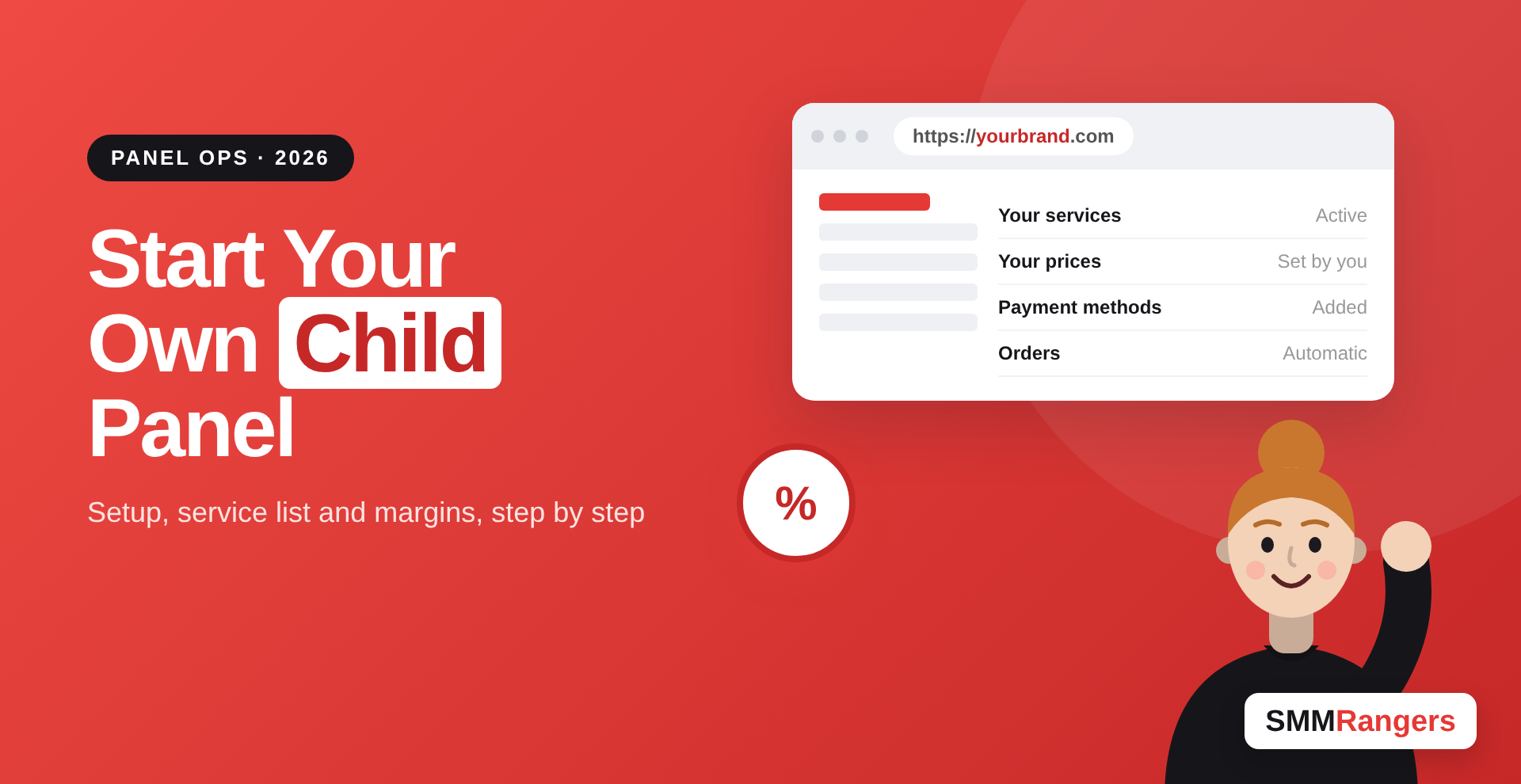
A child panel is your own SMM panel website, running on your own domain, that sells services from a bigger "parent" panel. You pay a monthly fee, set your own prices, and your customers order from you without seeing where the orders go. It is the fastest way to start an SMM reseller business without building software, and you can have one running within a few days. This guide covers what you need, how setup works, and how to make the numbers work.
What a child panel is (and is not)
When you order a child panel from a parent panel like SMMRangers, you get:
- A ready-made panel website on your domain, with sign-up, order, add funds and ticket pages.
- A connection to the parent panel's services, so orders placed on your site are sent to the parent automatically.
- An admin area where you set prices, add payment methods, write service descriptions and manage users.
What it is not: a separate business with its own providers. Your service quality depends on the parent panel. If the parent's X followers drop, yours drop too. That is why choosing the parent matters more than anything else you do.
Who should start a child panel?
A child panel makes sense if:
- You already resell services by hand, through chat or social media, and want to automate orders.
- You run an agency and want clients to order and pay without messaging you.
- You have an audience in a specific country or language and want a panel in your own brand.
- You want to test the SMM business before investing in a full standalone panel.
If you only order for your own accounts, you do not need one. A normal account on the parent panel is cheaper and simpler. Our guide on whether individuals can use SMM panels covers that case.
What you need before you start
A domain name
Buy a short, brandable domain from any registrar. Avoid using platform names or trademarks in it (for example, words like "Instagram" or "TikTok"). They can cause trouble with registrars, payment processors and the platforms themselves.
Access to your domain's DNS settings
During setup you will point your domain to the nameservers shown on the child panel order page. This is done in your registrar's dashboard. DNS changes can take up to 24 to 48 hours to spread, so start early.
A currency and payment plan
Decide which currency your panel uses and how customers will pay you. Payment gateways are often the hardest part for new panel owners, so research which ones work in your country before launch.
Starting balance on the parent panel
Your customers pay you, and you need balance on the parent panel to fulfill their orders. Keep a buffer so orders do not fail while you wait for payments to clear.
How to set up a child panel step by step
- Create an account on the parent panel. On SMMRangers, sign up here.
- Open the child panel page in your account. The SMMRangers child panel page shows the current monthly price and the details you need to enter.
- Enter your domain, currency and admin login, then place the order.
- Update your nameservers at your registrar to the ones shown after ordering.
- Wait for activation. Once DNS updates, your panel goes live.
- Log in to your admin area, choose the services you want to sell and set your prices.
- Add payment methods, write your terms and FAQ, and place a few test orders before telling customers.
Choosing which services to list
New panel owners often import every service the parent offers. That creates a long, confusing list and more support tickets. Start with 30 to 60 services you understand well:
- Instagram followers, likes and Reels views, with at least one refill option each.
- TikTok views, likes and followers.
- YouTube views and likes.
- X (Twitter) followers, likes and views. X is one of our strongest categories, and our X provider checklist explains what to test.
Rewrite each service name and description in plain words. Include start time, speed, refill period and what the service does not do.
How to price services and make a margin
Your profit per order is your selling price minus the parent panel's price. Your monthly profit is that, times your order volume, minus the child panel fee and payment fees.
Here is an example with made-up numbers:
- Parent price for 1,000 Instagram likes: $0.80
- Your price: $1.40
- Margin per 1,000: $0.60
- If customers order 2,000 packs of 1,000 a month, your gross margin is $1,200, before the panel fee and payment costs.
Low-price services need high volume to be worth it. Higher-value services such as refill followers or custom comments give more margin per order. Use the SMM reseller profit calculator to test your prices before launch.
Common mistakes to avoid
- Copying the parent's descriptions word for word. Write your own. It is better for trust and for Google.
- Pricing below cost to win customers. Payment fees and refunds will eat the rest.
- Promising things the service cannot do. Never write "guaranteed", "100% safe" or "monetization approved".
- Ignoring tickets. Fast answers keep customers more than low prices do.
- Not keeping balance on the parent panel. Failed orders look like your fault.
Growing your child panel after launch
Once your panel works, focus on getting traffic. Write simple guides for your customers, answer questions in communities where your buyers are, and offer a small first-order discount. Many panel owners also add a blog. Platform news is a good source of topics, for example how Instagram's 90-minute video test could change what customers order.
FAQ
What is a child panel in SMM?
A child panel is a branded SMM panel website that sells a parent panel's services under your name. Orders are passed to the parent automatically.
How much does a child panel cost?
You pay a monthly fee to the parent panel, plus your domain. Check the SMMRangers child panel page for the current price.
How long does setup take?
Usually a few days, mostly waiting for DNS to update after you change nameservers.
Do I need coding skills?
No. The panel is ready-made. You only manage settings, prices and content in the admin area.
Can my customers see that I use a parent panel?
The panel runs on your own domain and brand. Your customers order from you, and orders are processed in the background.
Is a child panel better than a full SMM panel script?
For beginners, yes. It costs less and needs no technical work. Bigger resellers sometimes move to a full panel later to connect several providers.
Conclusion
A child panel is the simplest way to turn reselling into a real business with its own brand. Pick a reliable parent panel, start with a short service list, price for margin rather than volume, and answer tickets quickly. The technical part takes a few days. Building trust with customers is the part that makes the money.
Ready to start your own panel? Order an SMMRangers child panel with access to our full service list, or create a free account to get started.