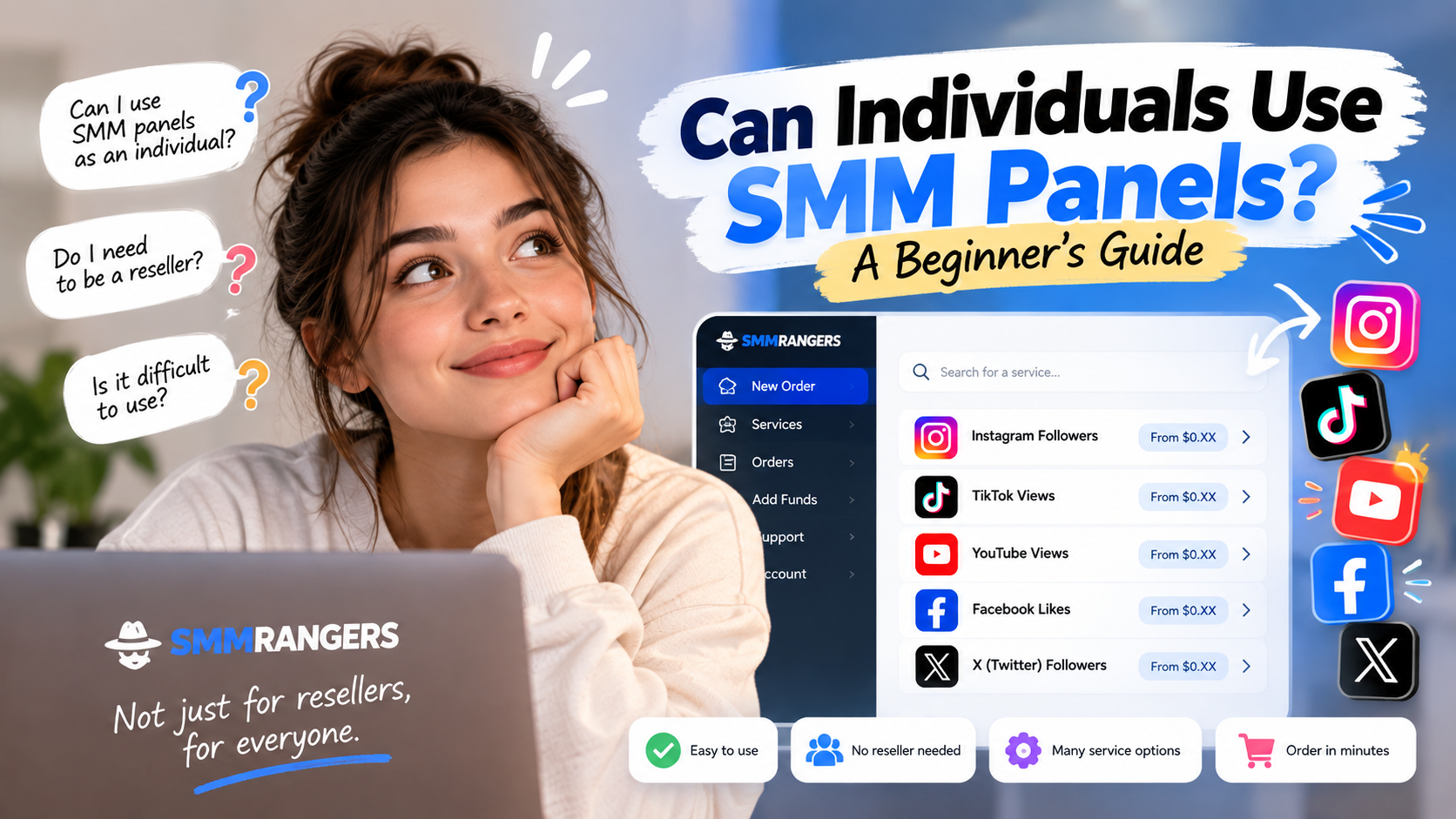
Can Individuals Use SMM Panels? A Beginner’s Guide
If you have ever searched for Instagram followers, TikTok views, YouTube views, or other social media growth services, you may have come across the term SMM panel.
At first, an SMM panel can look like something designed only for agencies, resellers, or social media professionals.
But you don't need to be a reseller to use one.
Individual users can use SMM panels too.
If you simply want to order a social media service for your own account, you can use an SMM panel to choose a service, select a quantity, place your order, and track it from one dashboard.
If you're completely new to the concept, you can also read our What Is an SMM Panel? guide first.
Can I Use SMMRangers for My Own Social Media Account?
Yes.
You don't need to own an agency or manage accounts for other people to use SMMRangers.
Individual users can visit SMMRangers, create an account, explore the available services, and order according to their own needs.
So if you're looking for a service for your own:
Instagram account
TikTok account
YouTube channel
or another supported social platform
you can use the panel directly.
Want to see how it works? Visit SMMRangers and explore the available services.
What Is an SMM Panel?
An SMM panel is an online platform that brings different social media services together in one place.
Instead of searching for a different website every time you need a service, you can use one account to browse available options for different platforms.
For example, you might want Instagram followers today and YouTube views another time.
If those services are available, you can manage both through the same panel account.
That's one of the main reasons SMM panels are popular with professional users — but the same convenience can also be useful for someone managing only their own account.
Do I Need to Be a Reseller?
No.
This is one of the biggest misconceptions beginners can have about SMM panels.
Resellers and agencies commonly use panels because they may manage many orders for many customers.
But that doesn't mean you need to be one.
Think of it this way:
A reseller might use an SMM panel to place orders for multiple customers.
You can use it to place an order for yourself.
The panel works the same way. The difference is simply how you use it.
Why Would I Use an SMM Panel Instead of Buying a Package?
You've probably seen websites offering packages such as:
1,000 Instagram Followers — $X
That approach can be convenient because the choice has already been made for you.
An SMM panel works a little differently.
Instead of seeing only one package, you may find several services with different:
Prices
Quantities
Speeds
Start times
Refill conditions
Minimum and maximum order limits
This gives you more control over what you're actually buying.
Rather than automatically purchasing a fixed package, you can compare the available options and choose one that better matches your needs and budget.
We'll look at this difference in detail in the next guide in this series.
Is SMMRangers Difficult for a Beginner to Use?
The panel may look unfamiliar when you first open it.
That's normal.
You may see terms such as:
Refill — No Refill — Start Time — Speed — Min/Max — Average Time
You don't need to understand the entire SMM industry to place an order.
You only need to understand the information related to the service you're considering.
Here are a few basics:
Min/Max
The minimum and maximum quantity allowed for that service.
Start Time
Information about how quickly an order may begin.
Speed
The expected delivery rate of the service.
Refill
Whether the service includes a refill option under its stated conditions.
That's already enough to make browsing services much easier.
And throughout this beginner series, we'll explain these terms without unnecessary technical language.
How Do I Buy a Service from SMMRangers?
The basic process is simple.
1. Create your account
Go to SMMRangers and create an account.
You don't need to register as an agency or reseller just because you're using an SMM panel.
2. Add funds
Once you're logged in, check the available payment options and add the amount you want to use to your panel balance.
3. Find the service you need
Choose the relevant platform and category.
For example, if you're looking for Instagram followers, you can browse the available Instagram follower services.
4. Read the service information
Before ordering, check:
Price
Minimum and maximum quantity
Speed
Start or average time when available
Refill conditions
Service-specific instructions
Don't automatically choose a service just because it's the cheapest one.
Choose the option that fits what you actually need.
5. Enter your link and quantity
Enter the requested profile, post, video, or channel information carefully and choose your quantity.
Always check that you've entered the correct link before submitting your order.
6. Place and track your order
Submit your order and follow its status through your account.
You don't have to contact someone every time you want to check what is happening with an order.
Why Are There So Many Services?
This is probably the part that confuses beginners the most.
You might open a category expecting to see:
Instagram Followers
and instead find several different Instagram follower services.
There's a reason for that.
Not every customer is looking for the same combination of price, quantity, speed, or service conditions.
One person may prioritize price.
Another may care more about refill conditions.
Someone else may need a different order limit.
The benefit of using a panel is that you get to choose.
You don't need to understand every option.
Start with four simple questions:
What platform do I need?
What service do I want?
How much do I want to order?
What's my budget?
Then compare the services that match those needs.
Can I Place a Small Order?
That depends on the minimum quantity specified for the individual service.
Using an SMM panel does not automatically mean buying a huge quantity.
Each service has its own minimum and maximum order limits.
This can be useful for individual customers because you're not necessarily restricted to a predefined package size.
Simply check the Min/Max information before ordering.
What Should I Check Before My First Order?
If this is your first time using an SMM panel, don't rush through the service list.
Check the service description and pay particular attention to:
Min/Max limits
Speed
Estimated start or average time
Refill conditions
Special instructions
And always make sure you've entered the correct link.
If you're unsure which service is appropriate, it's better to contact support before ordering than to guess.
You Don't Have to Be an SMM Expert
SMM panels may be heavily used by agencies and resellers, but that doesn't mean they're reserved for professionals.
For an individual user, the process can be much simpler:
Find the service you need → compare the options → choose your quantity → place your order → track it from your account.
That's it.
You don't need to learn how the entire SMM industry works before placing your first order.
You just need to understand what you're buying.
Ready to Explore the Panel?
If you've previously purchased followers, likes, views, or other social media services through ready-made packages, using a panel directly may give you more choice over the service and quantity you order.
You can start by exploring the available options yourself.
→ Visit SMMRangers and Create Your Account
Browse the services, compare the available options, and choose what fits your needs.
If something isn't clear, check the service information or contact support before placing your order.
Frequently Asked Questions
Can individuals use SMMRangers?
Yes. You don't need to be an agency or reseller to use the panel. Individual customers can create an account and order services for their own social media needs.
Do I need technical knowledge?
No advanced technical knowledge is required for basic panel use. Understanding terms such as refill, speed, start time, and Min/Max will make choosing a service easier.
Can I choose my own quantity?
Yes, as long as your quantity falls within the minimum and maximum limits specified for the service.
What if I don't know which service to choose?
Read the service information first. If you're still unsure, contact support before placing the order.
Where can I start?
Visit SMMRangers, create an account, and browse the available services.
Next in the Individual User Series
SMM Panel vs. Social Media Growth Packages: What's the Difference?
In the next guide, we'll compare buying directly through an SMM panel with purchasing a ready-made social media growth package — including the