Updated: November 23, 2026
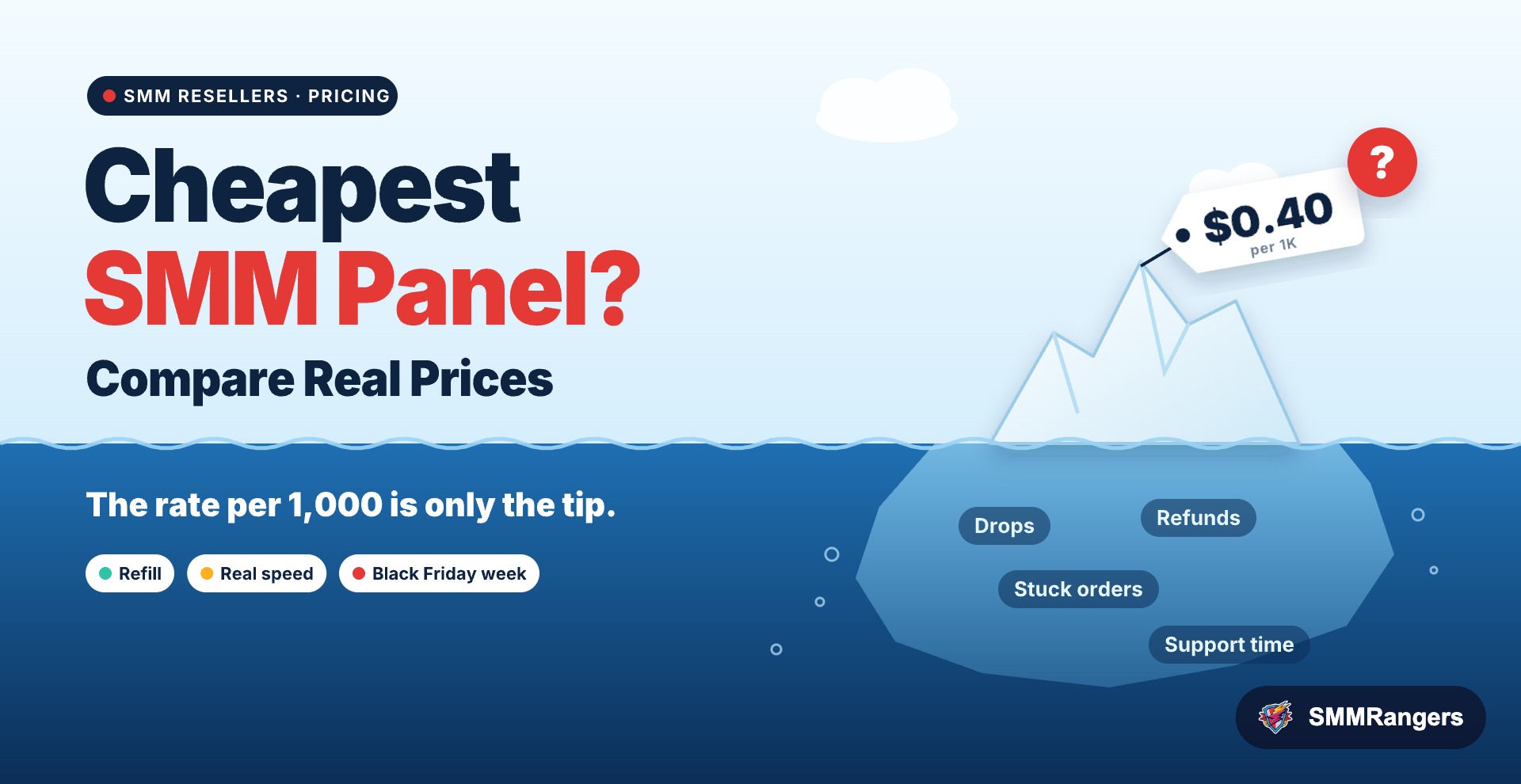
The cheapest SMM panel is not the one with the lowest number in the "Rate per 1000" column. It is the one with the lowest cost for every 1,000 followers, likes or views that are still there when your customer checks a week later. A service that costs half as much but drops by a third, gets stuck, or sends you twenty support tickets is not cheap. It only looks cheap on the services page.
This matters more than usual this week. Black Friday falls on November 27, and many panels are running discounts and deposit bonuses. Below is a simple way to compare real prices between panels, the checks that matter besides price, and where budget services actually make sense for resellers.
Why the rate per 1,000 is only the starting point
The listed rate assumes a perfect order: it starts on time, delivers in full and nothing drops. In practice, your real cost per order includes several things the price column does not show:
- Drops you cannot refill. On a no-refill service, every follower that disappears is money you already spent.
- Refunds and partials. Orders that stop halfway are refunded for the undelivered part on a good panel, but you still lose time and the customer's patience.
- Support time. Each "my followers dropped" ticket costs you minutes. On busy days those minutes add up to hours.
- Lost customers. A buyer who gets a bad result rarely complains twice. They simply move to another panel.
So the question to ask is not "what does it cost?" but "what does it cost per 1,000 that stays?"
How to work out the real price per 1,000
Here is a simple formula you can use on any service:
Real price per 1,000 = listed price ÷ share that stays after your check period
The example below uses made-up numbers to show how it works. Run the same math with your own test results.
| Example | Listed price per 1,000 | Refill | Still there after 14 days | Real price per 1,000 kept |
|---|---|---|---|---|
| Service A | $0.40 | No refill | 65% | about $0.62 |
| Service B | $0.55 | No refill | 90% | about $0.61 |
| Service C | $0.70 | 30-day refill | 100% after refill | $0.70 |
Service A is the cheapest on paper, but it ends up costing about the same as Service B, and it brings more complaints. Service C costs more, but if your customers expect their numbers to hold, the refill is what you are paying for. Neither the cheapest nor the most expensive option wins by default. Your test results decide.
Seven things to compare besides price
1. Refill period and how refill works
Check whether the service has refill, for how long (30 days and lifetime are common), and whether refill is automatic or needs a button or a ticket. A "refill" label with no period written down tells you very little. Our guide to 30-day refill explains what customers can and cannot expect.
2. Real speed, not promised speed
Many panels, including ours, show an "Average time" column on the services page next to the price. It reflects how long recent completed orders took, so it is a better guide than the start time in the service name. If a service says "instant start" but the average time shows several hours, believe the average time.
3. Minimum order size
A low minimum lets you test a service for a few cents before you put real volume on it. If a panel only accepts large orders on the services you care about, testing gets expensive.
4. Cancel and partial rules
Platforms change things without warning, and some orders stop halfway. A good panel marks those orders as partial and refunds the undelivered amount. Ask how long it takes and whether you can cancel orders that have not started.
5. How services behave after platform updates
Budget services are usually the first to drop when a platform cleans up accounts. Instagram says changes in like, follow or comment counts can come from removing activity by accounts generating inauthentic activity (Instagram Help Center). On X, accounts that show unusual or automated-looking activity may now be asked to complete a liveness check (The Gain Blog). When checks like these run, the cheapest followers are often the ones that disappear. We covered one recent example in our post on Instagram's deactivated accounts cleanup.
6. API reliability
If you resell through your own panel, a cheap provider with an unstable API costs you more than a slightly pricier one that just works. Check that service IDs stay the same, that order status and remains are accurate, and that refill and cancel can be triggered by API.
7. Deposit and support
Minimum deposits, payment fees and how fast support answers a real problem all change what you actually pay. Open one ticket about a real order before you move volume. A provider that answers in two hours is often worth more than one that is a few percent cheaper.
When a budget service is the right choice
Cheap services are not bad by definition. They make sense when everyone knows what they are buying:
- Views, story views and impressions, where a small drop does not change much for the customer.
- Likes on posts that are already a few days old, where the buyer wants a quick boost and not long-term stability.
- Price-sensitive customers who choose "no refill" knowingly, because the service name and description say so clearly.
- Testing a new account or a new link before placing a larger order on a better service.
On SMMRangers we label these clearly in the service name, with tags such as "Economy" and "No Refill", so customers can choose with open eyes. Whatever panel you use, make sure your own listings are just as clear.
When the cheapest option costs you more
- Followers for brand accounts or agencies, where a visible drop turns into an angry client.
- X (Twitter) followers, which tend to be among the most volatile services on any panel.
- Anything a customer expects to "stay forever", unless the service actually has a long refill period.
- Large orders on a service you have never tested, because a 30% drop on 50,000 followers is a very different problem from one on 500.
How to test a "cheapest" panel in one week
- Day 1: Place the smallest possible orders on three services you sell most, on accounts you control.
- Day 2: Write down the real start time and finishing time, and compare them with the listed values and the average time column.
- Day 3: Open one support ticket and time the reply.
- Day 7: Count what is left and work out the real price per 1,000 kept, using the formula above.
- Day 7 to 14: If something dropped, request a refill and see how it is handled.
Then move part of your volume, not all of it. Keep your old provider as a backup until the new one has handled a few busy days.
Black Friday week: discounts vs. real prices
Discounts are useful, but read them carefully:
- Is it the same service? A discounted service with a new ID may come from a different source than the one you tested.
- Is it a price cut or a deposit bonus? A bonus on deposits only helps if you would have spent that balance anyway.
- Does the discount change refill or speed? Read the description again, not just the price.
- Is this the right week to switch? Moving all your volume to a new provider during the busiest week of the year is risky. Test now, switch later.
Our Black Friday checklist for SMM panels covers how to prepare your own panel for the extra orders.
Set your resale price on real costs
Once you know the real price per 1,000 kept, set your margin on that number, not on the listed rate. Our SMM panel pricing calculator shows typical price ranges and what an order should cost, so you can check whether a provider is unusually cheap or simply competitive. If a price looks far below everyone else's, assume something else is missing until your test proves otherwise.
FAQ
What is the cheapest SMM panel?
There is no single answer, because prices change every week and the lowest listed price is rarely the lowest real cost. The cheapest panel for you is the one with the lowest price per 1,000 that stays after your own test, with refill rules you can explain to customers.
Why are some SMM panel services so cheap?
Usually because they use lower-quality accounts, have no refill, deliver very fast, or are resold from another panel with a small margin. None of these is a problem on its own, as long as the description says so and the customer chooses it knowingly.
Are cheap SMM services safe?
No panel can promise safety. Platforms ban artificial engagement in their rules, and cheaper services tend to drop more when platforms remove accounts. Realistic quantities and gradual delivery lower the risk but do not remove it.
Is a cheap panel good for reselling?
It can be, for services where drops matter less, such as views. For followers, especially on X and Instagram, refill services usually leave you with fewer refunds and happier customers.
How do I compare prices between two panels fairly?
Test the same type of service on both, wait the same number of days, and divide each listed price by the share that stayed. Add a note about support speed and refill handling. That comparison is far more useful than the price column alone.
Do cheap services come with refill?
Some do, but many budget services are listed as no refill. Always read the service name and description before ordering, and never assume refill if no period is written.
Bottom line
Finding the cheapest SMM panel is a math problem, not a search for the smallest number. Test small, measure what stays, compare real prices per 1,000, and keep budget services for the jobs they are good at. Your refund rate and your repeat customers will show you whether you chose well.
Comparing panel prices? Browse SMMRangers' services at provider-level prices, or create a free account to get started.