Updated: November 27, 2026
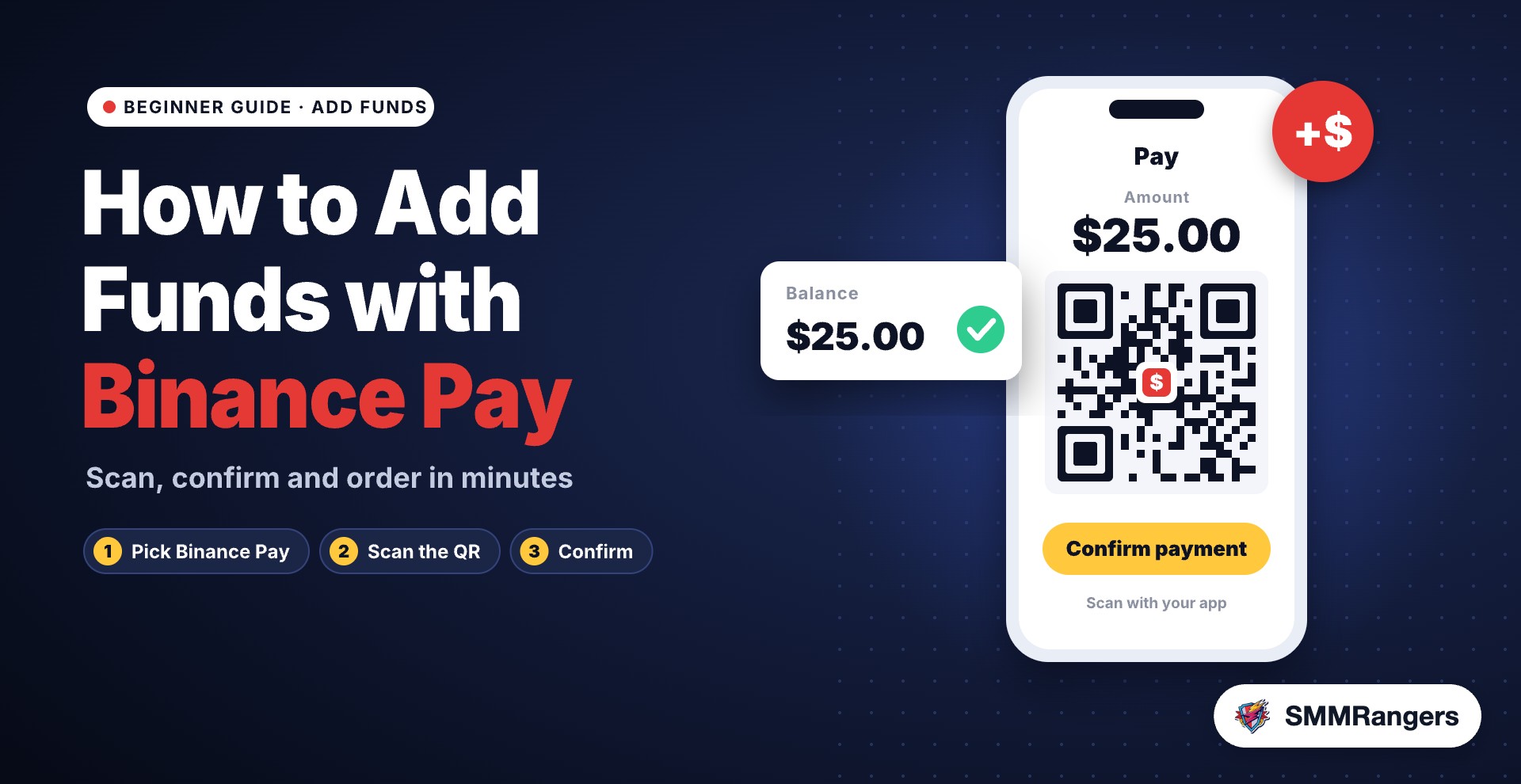
To add funds to an SMM panel with Binance Pay, open Add funds, choose Binance Pay, enter the amount and click Pay. A Binance checkout page opens with a QR code. Scan it with the Binance app, check the amount and confirm. On SMMRangers, most Binance Pay top-ups show in your balance within a couple of minutes, and you can place your first order right away. You need a Binance account with identity verification and enough crypto in it to cover the payment.
Below are the full steps, the USDT option for people who prefer to send crypto directly, and what to do if a payment expires or does not show up.
What you need before you start
- An SMMRangers account. Signing up is free and takes a minute.
- A verified Binance account. Binance Pay is only available to eligible users in supported countries who have completed identity verification (Binance Academy). If you have just opened a Binance account, finish verification first.
- Funds in your Binance account. USDT is the simplest choice because its value stays close to one US dollar, but Binance Pay supports many coins. The confirmation screen shows what you have available.
- The Binance app on your phone. You will use it to scan the payment QR code.
How to add funds with Binance Pay, step by step
1. Sign in and open Add funds
Log in to your SMMRangers account and open the Add funds page from the menu. You will see the payment methods available to your account and the minimum amount for each.
2. Choose Binance Pay and enter the amount
Select Binance Pay from the method list and type the amount in US dollars. At the time of writing, the minimum for Binance Pay on SMMRangers is $1, so you can start small. If you plan to try one service first, a small amount is a sensible way to begin.
3. Click Pay to open the Binance checkout
The panel creates a payment order and sends you to a Binance Pay checkout page. This page shows the amount and a QR code that belongs to this one payment only.
4. Scan the QR code with the Binance app
Open the Binance app and tap the QR code scanner on the home screen, or long-press the app icon and choose Scan (Binance support). Point it at the QR code on your screen. If you are already on your phone, the checkout page may offer to continue in the app instead.
5. Check the details and confirm
The app shows the merchant, the amount and the coin you are paying with. Check that the amount matches what you typed on the panel, pick the coin you want to use and confirm with your Binance security check. Binance shows any applicable fee before you confirm. In some regions Binance charges a fixed transaction fee (Binance Pay fees).
6. Wait for your balance, then place your order
Go back to the panel. The payment is matched automatically, and your balance updates once Binance confirms it. Then pick a service and place your first order. If you have not done that before, our guide on how to place your first SMM panel order walks you through it.
Paying with USDT instead
If you would rather send crypto from your own wallet or exchange, SMMRangers also has a crypto payment option that adds a 2% bonus to every payment. At the time of writing its minimum is $3. You choose it on Add funds, enter the amount, and the payment page shows which coin and network to use and the address to send to.
The one rule that matters here is the network. The coin and the network you send on must match what the payment page asks for. Binance warns its users that choosing the wrong network can mean losing the funds (Binance support). Payments we receive this way usually arrive as USDT or USDC on BNB Smart Chain (BEP-20), but always follow what your payment page shows.
- Copy the address with the copy button. Do not type it by hand.
- Choose the same network on the sending side as the payment page shows.
- Send the exact amount shown, and remember that your wallet or exchange may take its own withdrawal fee on top.
- Keep the transaction hash (TX ID) until the funds show in your balance.
If something goes wrong
The payment expired
Every Binance Pay order has a time limit, and on Binance's side an order that is not paid in time is closed. If you see an expired message, do not try to pay the old QR code. Go back to Add funds and start a new payment. It only takes a few seconds.
You paid but the balance did not change
Wait a few minutes and refresh the page. If the balance still has not changed, contact support with the amount, the time of payment and the Binance order ID or transaction hash from your app. We can match it from our side.
Binance Pay does not work on your account
Check that your Binance identity verification is complete and that Binance Pay is available in your country. These are set by Binance, not by the panel.
You do not have crypto
Message our support team. We will tell you which payment options are available for you right now.
How much should you add the first time?
Start with an amount you are comfortable testing with. Add enough for one or two small orders, place them, and watch how they go. Our guide to SMM panel order statuses explains what Pending, Processing, Partial and Completed mean, so you know what to expect after you order. When you are happy with the results, top up more. If you are not sure whether an SMM panel is right for you at all, read what an SMM panel is first.
Buying followers, likes or views can make a post or account look more active, but on its own it will not bring reach, sales or monetization, and every platform has its own rules. Choose services with refill where you can, and order in amounts that look natural for your account.
FAQ
Is there a fee for paying with Binance Pay?
SMMRangers does not add a fee. Binance may charge a fixed transaction fee in some regions, and it shows any fee on the confirmation screen before you pay.
How long does a Binance Pay deposit take?
Usually a minute or two after you confirm in the app. If it takes longer than a few minutes, contact support with your Binance order ID.
What is the minimum deposit?
At the time of writing, $1 for Binance Pay and $3 for the crypto payment option. The current minimums are shown on the Add funds page.
Do I need identity verification on Binance?
Yes. Binance only allows verified users to use Binance Pay.
Can I pay without crypto?
The payment methods open to your account are listed on the Add funds page, and they can change over time. If none of them works for you, contact support and we will tell you what is possible.
I sent USDT on the wrong network. What now?
Contact support right away with the transaction hash. Whether the funds can be recovered depends on the network and the address, so act quickly and do not send a second payment until you hear back.
Bottom line
Binance Pay is the fastest way to top up an SMM panel if you already have a verified Binance account: choose it on Add funds, scan, confirm and your balance is ready in minutes. If you prefer to send USDT directly, take your time with the network and keep your transaction hash. And if anything gets stuck, a quick message to support is faster than trying again on your own.
Ready for your first order? Browse SMMRangers' services at provider-level prices, or create a free account to get started.