Updated: November 15, 2026
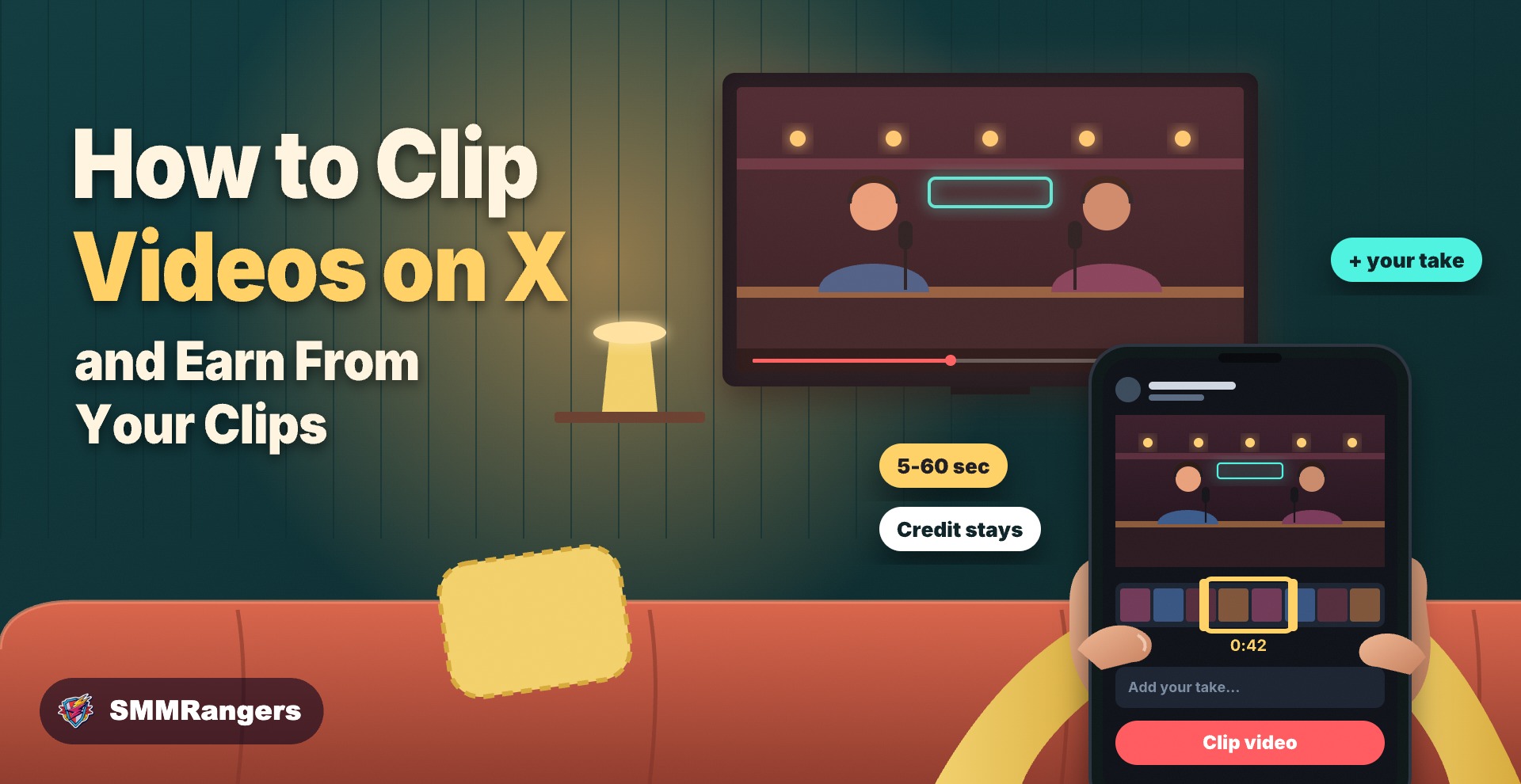
X now has its own clip button. You can cut the best moment out of a longer video, add your take and post it, without downloading anything or opening an editing app. The clip credits the original creator, and both of you can earn from its views if you meet X's payout rules. Here's how to clip a video on X, how the earning part really works and how to make clips people actually stop for.
What X clipping is
X launched clipping on November 9 for its iOS and Android apps, with a web version coming later, according to tbreak. The basic rules:
- You can only clip pre-recorded videos that are at least two minutes long.
- A clip can be 5 to 60 seconds long and no more than 30% of the original.
- Every clip shows a "Clip from" label that links back to the original video.
- Livestreams can't be clipped yet.
- If the original video is deleted, your clip disappears too.
Access may still vary by country and app version, so if you don't see the option, update the app and check again in a few days.
How to clip a video on X
- Open a video on X that is at least two minutes long.
- Tap the Repost button under the video.
- Choose Clip video.
- Drag the handles to pick the moment you want, between 5 and 60 seconds.
- Add your comment. This is where your clip becomes yours: a reaction, a question, the one line that explains why this moment matters.
- Post it. The clip appears on your timeline with a link to the full video.
The steps above follow X's announcement as reported by TechEconomy. The option may be labeled slightly differently depending on your app version.
Can you earn money from clips?
Yes, but only through X's Original Content Rewards program, and only if you qualify. Both the original creator and the clipper can earn from a clip's views, but each has to be enrolled. X hasn't shared how much clips pay or how the money is split.
To join Original Content Rewards, you need, according to Elev8or's summary of X's rules:
- an X Premium, Premium+ or Premium Business subscription
- 500 verified followers
- 500,000 qualified Home Timeline impressions in the last 90 days
- to be 18 or older, in a supported country, with an account in good standing
- content that meets X's originality standard
The originality part matters for clippers. Reposting or repackaging other people's content doesn't count as original, but reacting to and analysing it does. In practice, a clip with a real comment has a much better chance than a clip with nothing added.
Also note what counts as a paid view: a unique impression from an X Premium subscriber on the Home Timeline, with at least half of the post on screen. Views from people without Premium don't earn anything.
How to make clips people actually watch
Pick one moment, not a summary
A good clip has a single point: a surprising answer, a funny reaction, a useful tip. If you need to explain three things, it's probably two clips.
Start where the action starts
Cut the warm-up. Begin your clip one second before the moment that matters, not ten seconds before.
Let your comment do the work
Your post text is what makes people stop. Ask a question, take a side or add context the video doesn't give. "This is the part nobody talks about" works better than "lol".
Be fast on big moments
Clips do best while a topic is still being talked about. When a big interview, match or announcement happens, the first good clips get the most attention.
Clip your own videos too
If you post long videos yourself, clipping them is the easiest way to promote them. Each clip is a short teaser that links straight back to your full video, and you're the original creator, so the credit stays with you.
If someone clips your videos
You can't turn clipping off yet, though X says an opt-out is coming. The upside is that every clip links back to your video and can send new viewers to it, and if you're enrolled in Original Content Rewards, you can earn from those clips as well. If you post long videos, make them easy to clip: clear moments, strong lines and a title that tells people what the video is about.
If you ever need a clip gone, the only way right now is to delete your original video, which also removes all clips of it.
Mistakes to avoid
- Downloading and re-uploading other people's videos. X cracked down on this in May 2026, sending impressions back to original creators and cutting revenue for repeat offenders by up to 90%, according to Digital Trends. Use the clip button instead.
- Clickbait captions. If your comment promises something the clip doesn't show, people scroll past, and X has said it is cracking down on clickbait too.
- Posting the same moment as everyone else. On big news days, ten accounts will clip the same line. Find the second-best moment that nobody has clipped yet.
If you want more ideas on what X rewards right now, our guide to the X Video Kickstart Bonus explains why X is paying creators for original vertical video, and our post on the October 2026 X algorithm update covers how posts reach the Popular tab.
If you use an SMM panel
Some creators give a new clip an early push with likes or views. If you do, keep these points in mind:
- Panel views don't earn money. Payouts only count views from X Premium subscribers, so bought views won't change what X pays you.
- Clips can vanish. If the original creator deletes their video, your clip goes with it, along with any order on it.
- Keep it small and natural. A modest boost on your best clip can make it look active, but your comment and timing will do more for reach than numbers.
Resellers can read what X clipping means for SMM panels, and you can see our X services by type on the X (Twitter) SMM panel page.
FAQ
How do I clip a video on X?
Tap Repost under a video that is at least two minutes long, choose Clip video, pick a 5 to 60 second moment, add your comment and post it.
How long can an X clip be?
Between 5 and 60 seconds, and no more than 30% of the original video.
Do I get paid for clips on X?
Only if you're enrolled in Original Content Rewards and meet its rules, including X Premium, 500 verified followers and 500,000 qualified impressions in 90 days. X hasn't published how much clips pay.
Can I clip a livestream on X?
Not yet. Only pre-recorded videos can be clipped for now.
Can I stop people from clipping my videos?
Not yet. X says it is working on an option. Deleting your original video removes all clips of it.
The short version
X clipping lets you share the best part of a long video while the original creator keeps the credit. Pick one strong moment, add a real comment, post while the topic is hot and clip your own long videos too. Earnings only come through Original Content Rewards, and only from views by Premium subscribers.
Growing on X? Browse SMMRangers' X (Twitter) services, or create a free account to get started.
Sources
- tbreak: X's clipping feature pays creators and clippers (Nov 2026)
- TechEconomy: X launches video clipping tool (Nov 11, 2026)
- Elev8or: X Original Content Rewards explained
- Digital Trends: X wants to stop creators from farming stolen viral clips (May 2026)
- Social Media Today: X adds video clipping (Nov 2026)