Updated: November 13, 2026
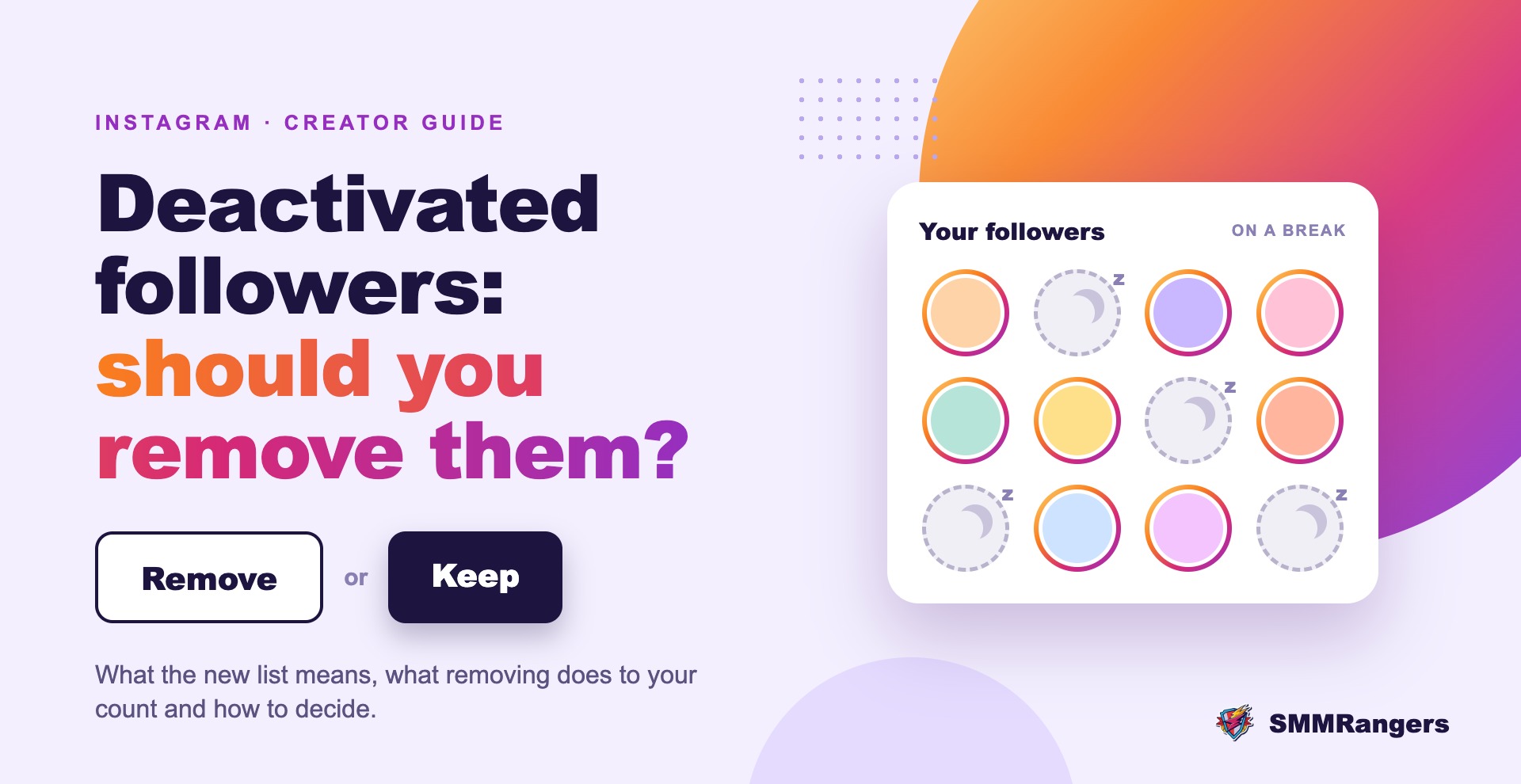
Open your Followers list on Instagram this week and you may see a new row at the top: "Deactivated accounts". Tap it and you'll find people who still follow you but have switched their accounts off. Next to each one is a Remove button. Should you press it? It depends on what you care about more: a bigger number or a cleaner audience. Here's what the list means and how to decide.
What is the Deactivated Accounts list?
It is a category inside your Followers list that groups accounts that follow you but are deactivated right now. Instagram first added it in late 2024, as Social Media Today reported at the time, and according to the November 12 edition of the Shareable TL;DR newsletter, it is now back.
You might also see a "Flagged for review" category in the same place. That one lists followers Instagram thinks could be spam. You can remove them, or use the three-dot menu to tell Instagram one was flagged by mistake.
Why you might not see it
There are two common reasons. Instagram may not have rolled it out to your account yet, since new features often arrive for some users first. Or none of your followers are deactivated right now, so there is nothing to show.
What "deactivated" means
Deactivated is not the same as deleted. When someone temporarily deactivates their account, Instagram Help says their profile, photos, comments and likes are hidden until they log back in. Their account still exists, and they can return whenever they want.
So the people in this list are not necessarily bots. Some are friends taking a break from social media, some are old accounts their owners stopped using and some may be fake profiles that got switched off. The list doesn't tell you which is which.
What happens if you remove one
- They aren't notified. Instagram doesn't send any message when you remove a follower.
- Your follower count goes down by one for each account you remove.
- They can follow you again later if they come back and your account is public. On a private account, they would need to send a new request.
- There is no "remove all" button. You remove them one at a time.
One question nobody can answer with certainty is whether deactivated followers are counted in your follower number while they are switched off. Instagram hasn't explained this clearly, and articles online disagree. Removing them does lower the count, so plan for that.
Should you remove deactivated followers?
Reasons to remove them
- Your engagement rate looks more accurate. Engagement rate is usually worked out as likes and comments divided by followers. Inactive followers sit in the bottom half of that sum without ever engaging. For example, a post with 300 likes and comments on an account with 10,000 followers has a 3% rate. Remove 500 inactive followers and the same post works out to about 3.2%. You can try your own numbers with our Instagram engagement rate calculator.
- Your audience data gets cleaner. Social Media Today pointed out that inactive followers can also skew your audience insights and ad targeting.
- It looks better to brands. Brands and agencies often check engagement next to follower count. A smaller, more active audience can be easier to pitch than a large quiet one.
Reasons to keep them
- They might come back. A friend on a three-month break is still a real follower.
- The number matters to you. If you're close to a milestone, like 1,000 or 10,000, removing a batch can push you back under it.
- Views don't change. Instagram now puts a lot of weight on views, and Social Media Today notes that views aren't affected by inactive followers. Removing them doesn't add views.
- There is no proof it boosts reach. Instagram hasn't said that cleaning your follower list helps your posts reach more people. It changes your ratios, not the algorithm's opinion of your content.
A simple way to decide
If you work with brands, report engagement to clients or care about accurate audience data, removing deactivated accounts you don't recognize is a sensible clean-up. If you're mainly posting for friends, or you're watching a milestone, there is no rush. Leave people you know, since they will likely be back. You don't have to choose all or nothing.
How to remove a deactivated follower
- Go to your profile and tap Followers.
- Tap Deactivated accounts at the top of the list, if you see it.
- Tap Remove next to an account.
- Confirm by tapping Remove again.
Repeat for each account. Skip third-party "follower cleaner" apps that promise to remove everyone at once. Most of them ask for your Instagram login, and giving your password to an outside app puts your account at risk.
If you use an SMM panel
If you've bought followers in the past, some of those accounts may show up under Deactivated accounts or Flagged for review over time. A few things to keep in mind:
- Removing followers yourself usually isn't covered by refill. Refill is for eligible drops during a service's refill period. A follower you remove is your own action, not a drop.
- Clean up before you order, not during the refill period. Refill checks compare your current count with the start count. If you remove followers in the middle of that window, it gets hard to show which part of a drop wasn't yours.
- If your count drops and you didn't remove anyone, check whether your service has refill and whether you're still inside the period. Our guide to how 30-day refill works explains the steps.
Resellers who want the business side of this change can read what the Deactivated Accounts list means for follower services.
Lost followers you didn't remove?
The Deactivated list only explains part of the picture. Instagram also runs cleanups of bot and inactive accounts, and people unfollow for ordinary reasons. If your count is dropping and you're not sure why, our post on why you're losing Instagram followers and how to fix it covers the usual causes.
FAQ
What does "Deactivated accounts" mean in my Instagram followers?
It lists people who follow you but have temporarily switched off their accounts. Their profiles are hidden until they log back in.
Will someone know if I remove them?
No. Instagram doesn't notify people when you remove them as a follower.
If they reactivate, will they still follow me?
If you didn't remove them, deactivation is temporary, so they'll show up in your normal list again once they log back in. If you removed them, they would have to follow you again.
Can I remove all deactivated followers at once?
Not in the Instagram app. You have to remove them one by one. Avoid outside apps that ask for your password to do it in bulk.
Will removing them improve my reach?
Instagram hasn't said that it does. Removing inactive followers makes your engagement rate more accurate, but it doesn't add views or reach on its own.
The short version
The Deactivated accounts list shows followers who have switched their accounts off for now. Many are real people who might return. Removing them lowers your count but gives you a more honest engagement rate. Clean up if accurate numbers matter to you, keep the people you know, and do it one by one inside the app.
Growing on Instagram? Browse SMMRangers' Instagram services and check each one's refill terms before you order, or create a free account to get started.
Sources
- Shareable TL;DR: The latest social media news (Nov 12, 2026)
- Social Media Today: Instagram's making it easier to remove inactive profiles from your audience (Nov 2024)
- Lindsey Gamble: Instagram adds 'Deactivated Accounts' category
- Instagram Help: Temporarily deactivate your Instagram account
- Lilach Bullock: How to remove followers on Instagram without blocking them