Updated: November 26, 2026
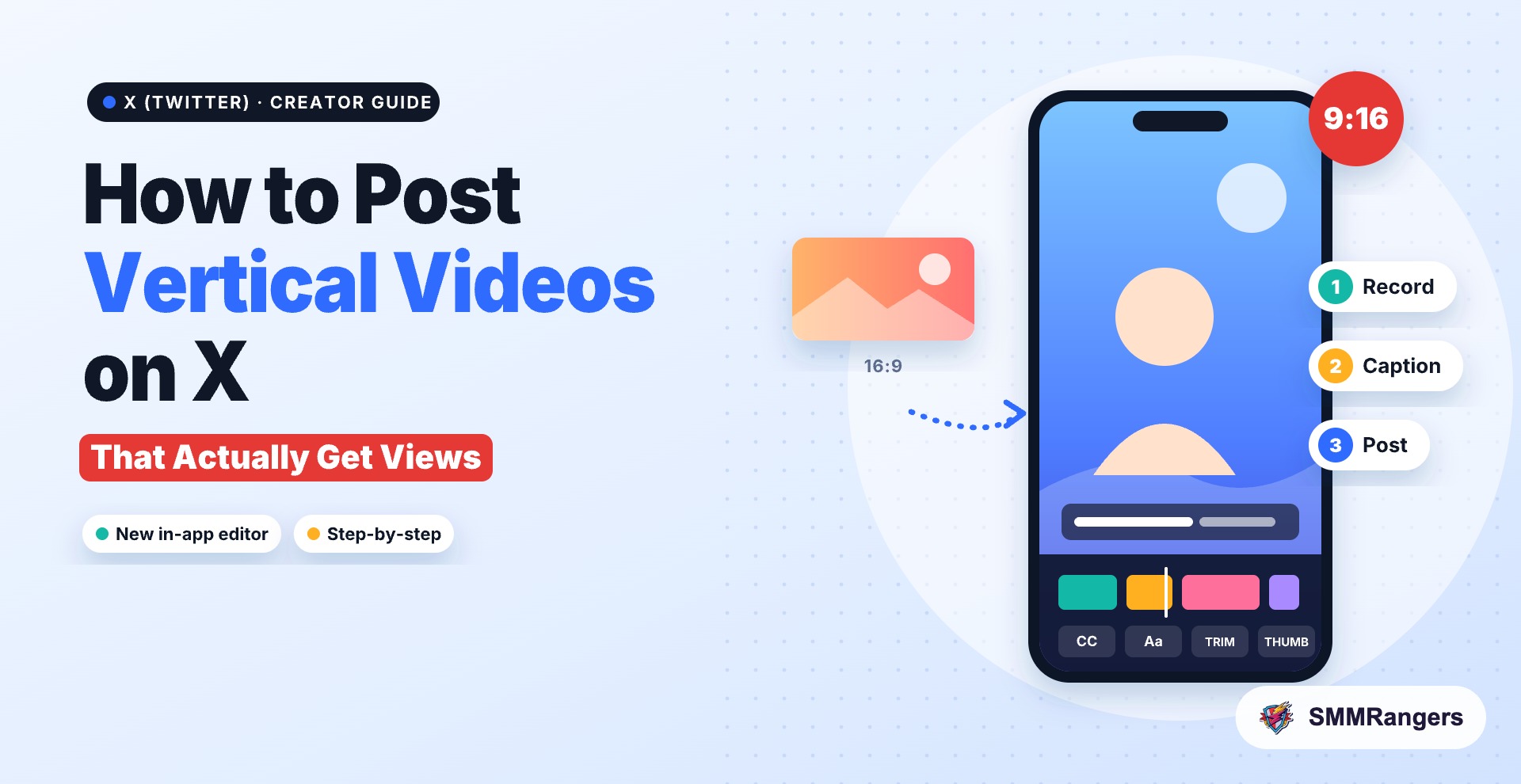
To get views on X with vertical video, shoot or convert your video to 9:16, keep it short and original, add captions and a strong first few seconds, and pick a custom thumbnail before you post. As of November 25, you can do almost all of that inside X itself. The platform has upgraded its media editor so you can record, edit and publish vertical videos without a separate app, and it is rewarding some creators for posting them.
This guide covers what changed, how to post a vertical video on X step by step, the habits that help videos travel, and what you can and cannot earn.
What's new for video on X
X announced a set of creator tools on November 25, most of them focused on short vertical video (TechCrunch). The upgraded editor lets you:
- Record video in segments and use green screen effects.
- Convert a horizontal video to vertical.
- Generate captions automatically.
- Trim footage and add text overlays.
- Choose a custom thumbnail and adjust photos before posting.
You can also mix up to 20 photos and videos in one post, reply to posts with a video through React with Video, and clip parts of longer videos. X says availability varies by platform and region, so if you don't see a tool yet, it may still be rolling out in your area (Net Influencer).
X is clearly pushing video. A November 20 post from X's Creators account said video posts get five times the reach and engagement, and that 36% of all impressions on X now go to video. Those are X's own numbers, but they tell you where the platform wants your content to go.
How to post a vertical video on X, step by step
- Start a new post in the X app and open the media options to record or upload a video.
- Record in segments if you want to film a few short takes and join them, or use green screen to put yourself in front of a photo or another post.
- Convert to vertical if your clip was filmed in landscape. Check the framing so faces and text stay in the shot.
- Trim anything before the first real moment. Dead air at the start costs you viewers.
- Add captions with the automatic option, then read them once and fix names or brand words that come out wrong.
- Add a short text overlay that says what the video is about in a few words.
- Pick a custom thumbnail from a frame that shows a face, a result or a clear moment of action.
- Write a one-line post above the video that gives people a reason to tap, then publish.
Tips that help vertical videos get views on X
Use the right shape
Vertical 9:16 video displays best in X's full-screen video view (Kapwing). X has also said it will stop cropping vertical videos, so there is no longer a reason to post square versions (ContentGrip).
Win the first two seconds
Start with the most interesting moment: the result, the reaction or the question. Many people scroll past before a video gets going, and an intro or logo animation is the quickest way to lose them.
Keep it short and original
Under three minutes is a good target. It is also the length X uses for its Video Kickstart Bonus, which pays selected creators for original vertical videos without watermarks. Avoid uploading videos with another app's watermark on them.
Always add captions
A lot of people watch with the sound off. Captions keep them watching and make your video easier to understand in a busy feed.
Post on a schedule
Consistency matters more than one perfect video. The October Kickstart pilot, for example, paid creators for posting at least 15 videos across 15 different days in a 30-day window (Net Influencer). Even if you are not in the program, that rhythm is a good habit.
Make your videos easy to clip
If your videos are longer than two minutes, other users can clip them, and both the clipper and the original creator can earn from the clip's views. Clear, quotable moments make that more likely. Our guide on how to clip videos on X explains how clipping works from both sides.
Reply with video
React with Video lets you answer a popular post with your own video while the original shows in the background. Used well, it puts you in front of people who are already interested in the topic.
Can you earn from vertical videos on X?
Possibly, but not just by posting. X's Original Content Rewards replaced Revenue Sharing in September. Payouts are based on qualified impressions from X Premium subscribers, and to be eligible you need 500,000 verified Home Timeline impressions and 500 verified followers in the past 90 days (Net Influencer). Our post on how to qualify for X creator payouts walks through the requirements.
The Video Kickstart Bonus is separate. It is an invitation-only pilot, so you cannot apply your way in by posting more. You can read more in our guide to the X Video Kickstart Bonus.
If you use an SMM panel
Some creators use panel services to give a new video a faster start. If you do, keep these points in mind:
- Order on the video post's own link. If you want views on a clip, use the clip's link, not the original video.
- Pair views with a few likes and reposts. A video with many views and almost no reactions looks odd to real viewers.
- Keep quantities realistic for the size of your account, and use gradual delivery where the service offers it.
- Don't expect payouts from bought engagement. Panel views and impressions do not count toward X's creator payouts, and X's rules ban platform manipulation.
- Put the effort into the video first. A boost on a strong video helps it get noticed. A boost on a weak video rarely saves it.
You can see the X services we offer, with refill periods and speeds listed in each service name, on our X SMM panel page.
FAQ
What size should a vertical video on X be?
Use a 9:16 vertical format. It fills the screen in X's full-screen video view, and X has said it will stop cropping vertical videos.
How long should my X videos be?
Short videos usually work best. Under three minutes is a good target, and it matches the length X uses for its Video Kickstart Bonus.
Can I post my TikTok videos on X?
You can, but remove watermarks first. The Kickstart Bonus only pays for videos without watermarks, although videos you already shared on other platforms can still qualify if they meet the other terms.
Why don't I see the new editor?
X says availability varies by platform and region. Update the app and check again in a few days.
Do bought views help me earn on X?
No. X pays based on qualified impressions from Premium subscribers, and bought views do not count. They can make a new video look more active, but they are not a path to payouts.
Can I turn a landscape video into a vertical one?
Yes. The upgraded editor can convert horizontal video to vertical. Check the framing afterwards so nothing important is cut off.
The short version
X wants vertical video and is giving creators the tools to make it in the app. Shoot or convert to 9:16, start strong, keep it short, add captions and a good thumbnail, and post regularly. If you add a panel boost, use it on your best videos and keep your expectations about payouts realistic.
Growing on X? Browse SMMRangers' X (Twitter) services at provider-level prices, or create a free account to get started.